
Recently I have been in several conversations about inconsistencies across PowerPoint on different end points (as example, in Presenter View, why is the “End Show” button at the top in a different order on Windows, Mac and Teams!).
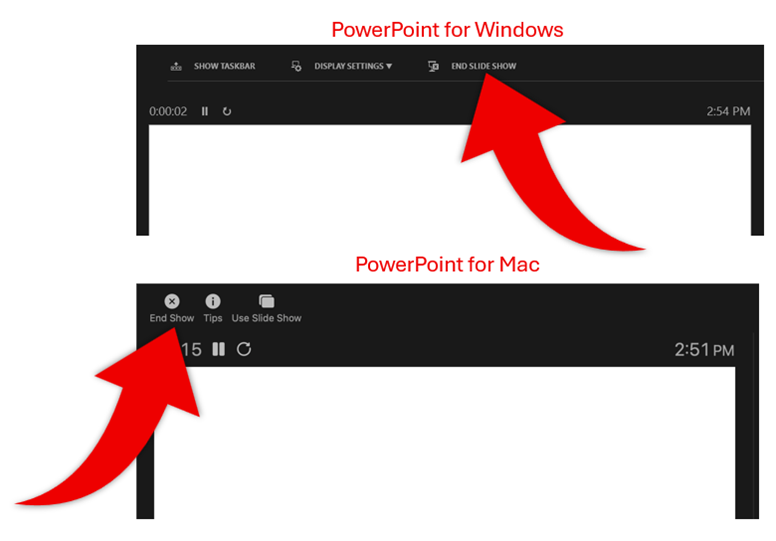
Because inconsistency is something I am thinking about, I caught another inconsistency that encounter daily, but have ignored – for years. While working on a multimedia project this past week, this time I the inconsistency between Adobe Audition and Adobe Premiere registered. Granted, this is a small thing, but in thinking of the design work, this has been a mental pause and break in workflow every time I am moving between these two apps.

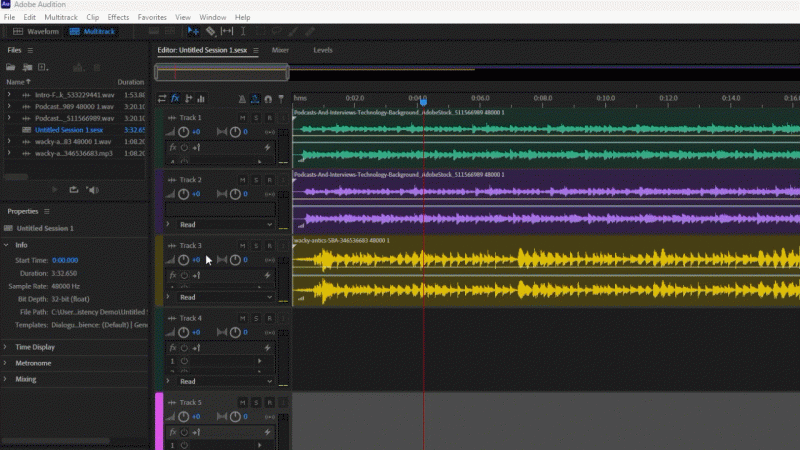
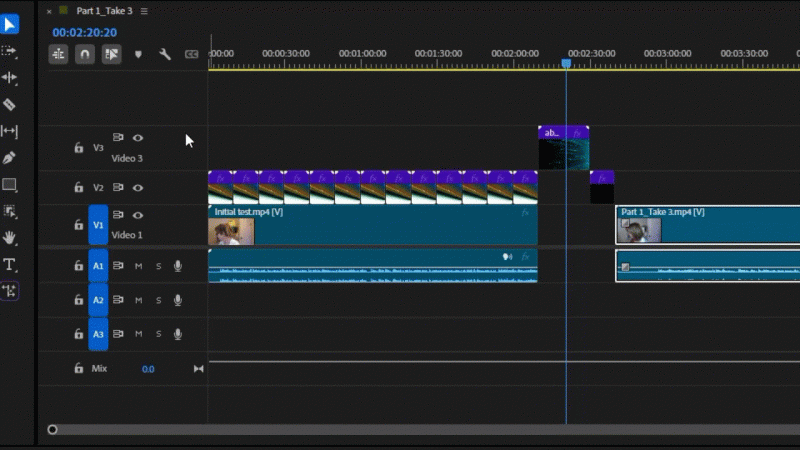
Both Audition and Premiere work with layers. And the layer height, for visibility, is adjustable. But why is how you adjust the layers different between the programs!?
With Adobe Audition, to make a layer taller, the adjustment is by dragging the BOTTOM of the layer.
With Adobe Premiere, to make a layer taller, the adjustment is by dragging the TOP of the layer.
No action items or hacks from me, just documenting my design life thoughts – and why companies with many apps do not look at things wholistic and see inconsistencies that their users have to deal with…
Troy @ TLC