

Sometimes just knowing a hack can save a lot of time. So this is one of those tips included in our TLC Creative PowerPoint training programs where someone always exclaims “Really!!” The tip is how to immediately add a perfect shape (same on all sides), ie. a circle, square or triangle. The solution is so simple, there is nothing complex to forget. Ready,
Click the desired shape in the shapes gallery
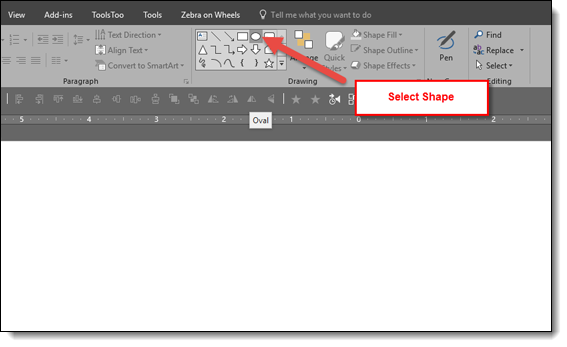
Click on the slide. Note: just a simple click, no click and drag, no modifier keys, nothing, just click on the slide.
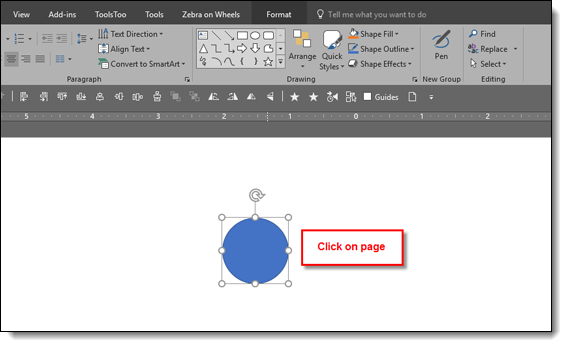
Done! A perfect, equal sided, square, circle, triangle, etc. is added to the slide
—
And the shortcut to the shortcut!
Hold down the CTRL key and click on desired shape in the shapes gallery
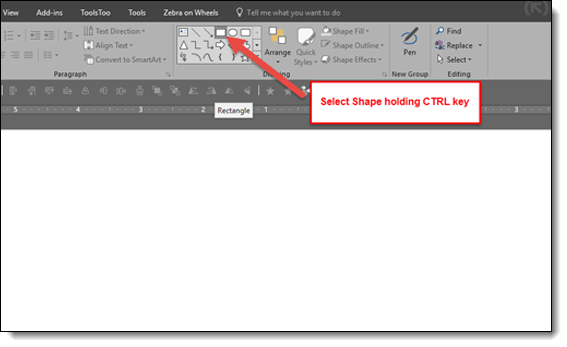
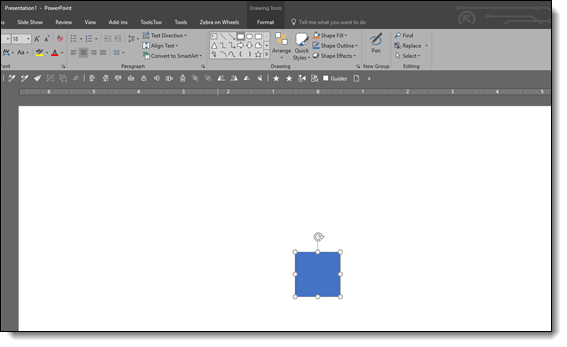
Perfect symmetrical shape is automatically added to the slide!
Troy @ TLC