I work with PowerPoint on a daily basis and I am very honored to be a Microsoft PowerPoint MVP. We have a talented team of presentation designers at TLC Creative Services and ThePowerPointBlog is our area to highlight PowerPoint tips, tricks, examples and tutorials. Enjoy! Troy Chollar
Remove Text Margins – in 1 Click!
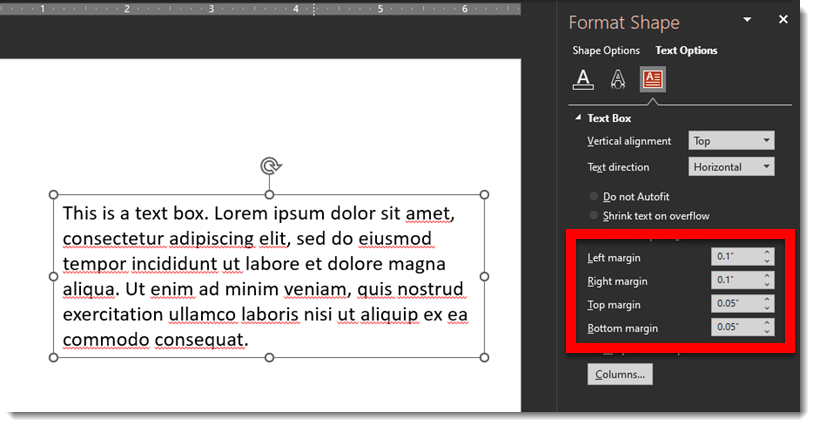
Here is something I do dozens, if not hundreds of times per day. Select a text box > open the Format Shape pane > find the inner margin settings.
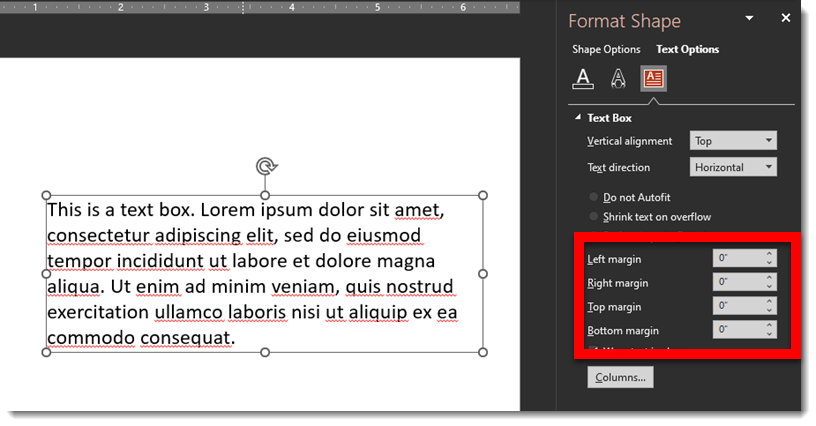
Then change all to zero’s
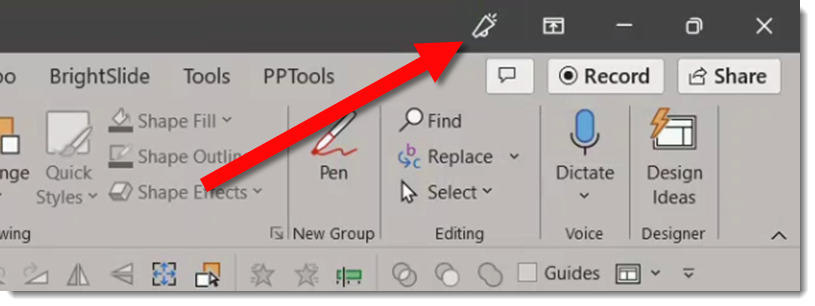
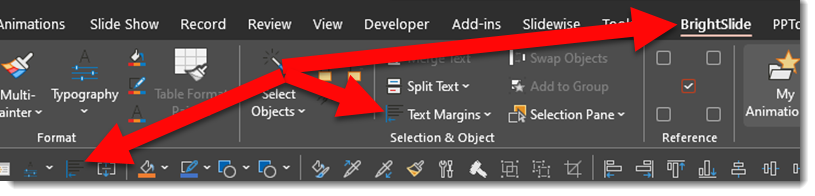
Recently I added this amazing icon to my QAT
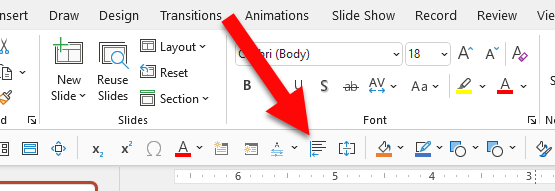
It is the “Remove (inner margins) from Selection” feature now in Brightslide.
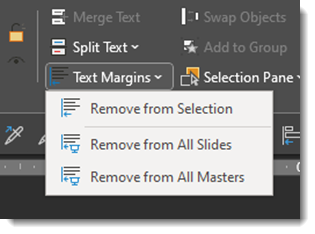
The Brightslide “Text Margins” has 3 options for removing inner margins; from selected shape (this is the one added to my QAT), from every text box on every slide (wow!) or from all Master Layouts (which means any text box associated with a master placeholder will have the inner margins set to zero, but all individual text boxes on slides not connected to a master layout will remain as set).
And the Brightslide PowerPoint add-in suite is FREE from the super people at BrightCarbon!
Troy @ TLC