
Monthly Archives: June 2008

It Takes A Lot Of Images To Convey A Message

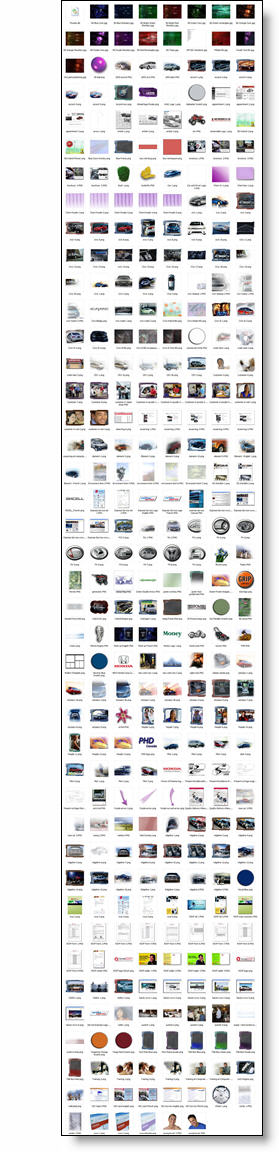
I am preparing material for a PowerPoint/Design course and this is screen capture of my images folder from a recent project. My message is that a presentation is more than bullet points and an image can be more effective. I practice that message and this is shows the number of images prepared in Photoshop for a recent presentaiton.
– Troy @ TLC
By |2016-11-17T12:57:59-08:00June 6th, 2008|Portfolio, PowerPoint|

MS Fluent User Interactive Demo

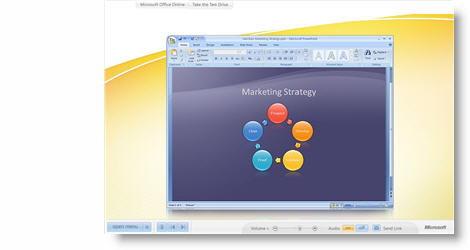
Not up to speed on the new Ribbon interface… Have 10 minutes to kill… Check out this nifty interactive Flash demo on why the Ribbon was designed and interactive tutorials for each of the Office apps.

Click here to open. If you want to skip ahead, PowerPoint is Chapter 6.

– Troy @ TLC

By |2016-11-17T12:58:19-08:00June 4th, 2008|Software/Add-Ins|

PPT Graphics for Video

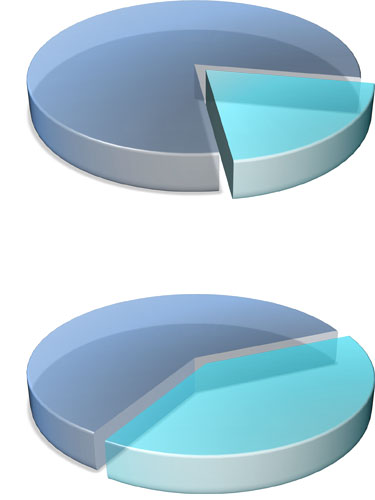
PPT 2007 has some great visual effects. For a recent project I was developing the PowerPoint presentations for speaker support. I was asked by the video production company that was creating videos for the same meeting if I could create a number of graphics that would have a coordinated look with the presentations. Among the graphics I developed these two piecharts (client data removed):

Each was saved out of PowerPoint as a .png which preserved the transparency and allowed the video editor to place the graphic over the motion background. They also animated from 1 piechart to the other showing growth. Pretty cool stuff!

– Troy @ TLC

By |2016-11-17T12:59:13-08:00June 2nd, 2008|Portfolio, Tutorial|
Go to Top