
Making the TLC Christmas PowerPoint Animation
We have received many compliments on the Christmas animation the TLC design team created this year (Thank You!). To answer some of the questions:
- Yes, all of the animation is 100% PowerPoint, no video was used.
- Yes, several of us used the new Morph animation/transition.
- The opening and closing segment of the snowman was PowerPoint, but no animation, just very fast auto transitions to create a stop motion style effect.
- No, we did not add the music in PowerPoint. Well, the Cat Meowing Christmas Carol was part of Amber’s animation, but the full track was added after the PowerPoint animation was exported (so we did use a video editing app, but only for the music bed).
- We compiled all animation files into a single PowerPoint slide deck and exported that as a single video.
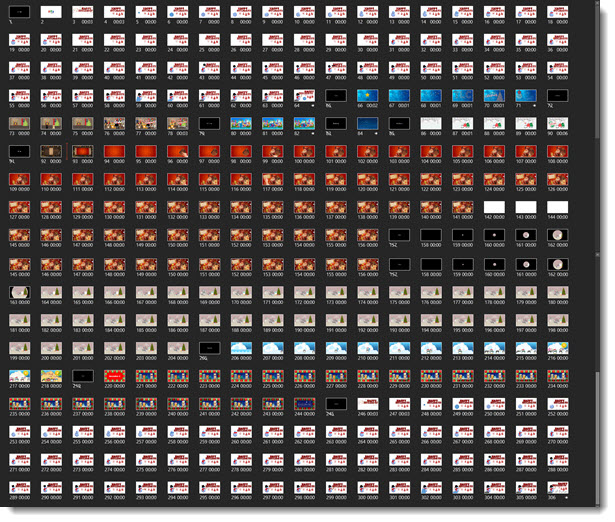
- There was a total of 306 slides in the compiled presentation.
– Troy @ TLC
The Presentation Podcast Episode #21 Released Today!
A new episode from The Presentation Podcast with Troy, Nolan, and Sandy is available today! Check out their latest discussion on “Video and PowerPoint” and add to your favorite Podcasts on iTunes, Google Play, Stitcher, SoundCloud and more at The Presentation Podcast.
11 Year Anniversary!!
11 years ago today, Troy started The PowerPoint Blog. Here is the very first post (reposted) that started it all!
—
Happy New Year! So, with the new year comes new resolutions. I figure I have thought about adding an informative and engaging blog for quite a while, so now must be the perfect time to start!
Why a PowerPoint blog? Well, I think there is a need for a good resource that focuses on the development/creation side of presentations. And because that is what I do every day, I should be able to offer up a steady stream of good (if not entertaining) information. Enjoy!

– Troy @ TLC
Happy New Year PowerPoint Animation
This is the final day in the studio for us before 2017 begins! Many thanks to Wanda on the TLC Creative design team for creating this fun Happy New Year PowerPoint animation!
[KGVID]https://thepowerpointblog.com/wp-content/uploads/2016/12/unnamed-file-1.mp4[/KGVID]
The presentation is a single slide with many layers of custom images, music and SFX embedded, and lots of PowerPoint animation.
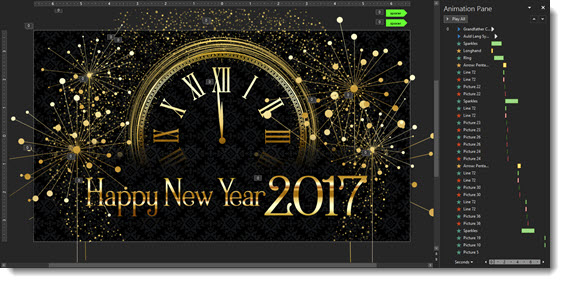
Editable PowerPoint slide can be downloaded here.
– Troy @ TLC
Green Screen Holiday Greeting (fun)
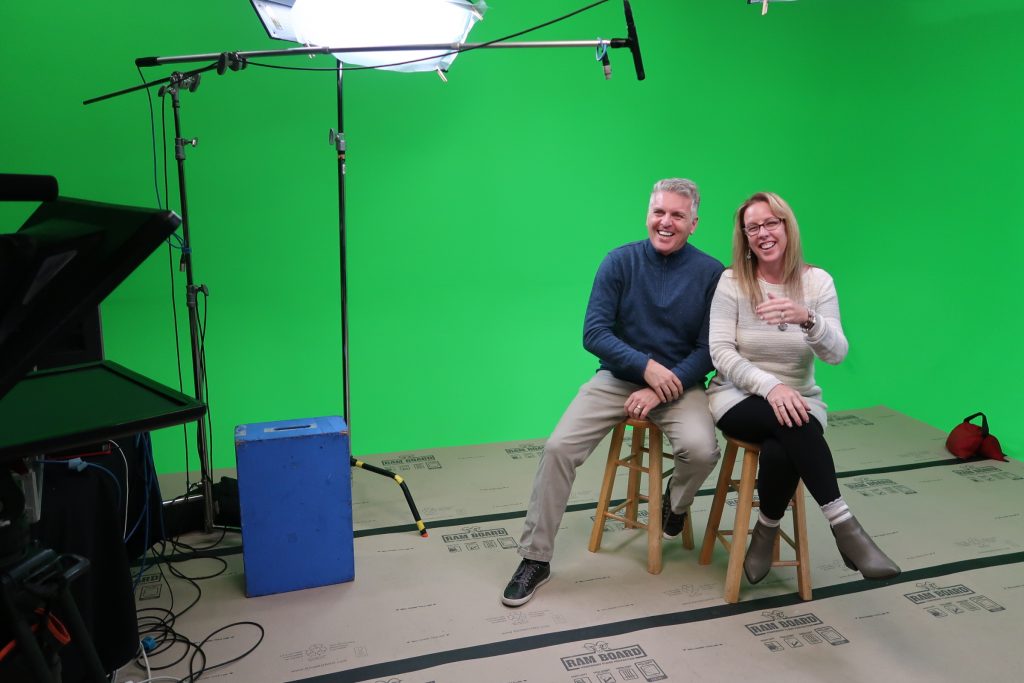
Christmas Greetings from Troy and Lori of TLC Creative Services, Inc. Many thanks to the Video Resources team for letting us jump in and make a fun Christmas greeting in their very cool green screen studio!
[KGVID]https://thepowerpointblog.com/wp-content/uploads/2017/12/unnamed-file-4.mp4[/KGVID]
– Troy @ TLC
The 2016 TLC Team PowerPoint Holiday Animation!
Each year, everyone on the TLC Creative Design Team has a lot of fun creating an amazing holiday animation entirely in PowerPoint. Here is our 2016 edition!
[iframe src=”https://www.screencast.com/users/TLCCreative/folders/Christmas Animations/media/431d1842-dcfd-44dc-a2bb-0e50e73df05b/embed” width=”640″ height=”360″]
[br]
You can see a number of our past year animation compilations here.
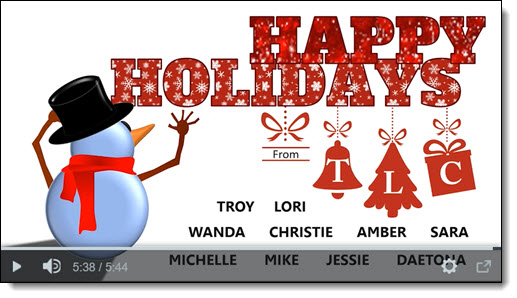
– Troy @ TLC
Modern Design in 2017
My fellow Microsoft MVP and presentation trainer, Ellen Finkelstein made a post entitled “10 Tips for Modern Design in 2017” (see post here). She then organized a blog roundup on the same topic.

Here is the TLC Creative Services list of Modern Design Trends we see for 2017:
-
More Motion:
Morph has simplified adding complex animation to presentations and allowed a greater number of users to now add motion to their slides without investing hours into a single slide.
-
Color Blocks:
We see a merging of flat design (no bevel, reflection, etc.) and a move away from textures and gradients to the use of large color blocks as the accent graphics and layout framing devices.
-
More Visual Layouts:
Even if not used, the addition of Designer in PowerPoint (see post here for review), is raising awareness of how slide layouts can be improved over simple (and often boring) bullet lists. For years, TLC Creative has developed what we call “Visual Layouts” for bullet list slides, and we are excited to see more awareness and requests for more professional slide designs in 2017.
-
More Navigation:
PowerPoint has always had Custom Shows, but they are tedious to setup. With the addition of Zoom, setting up elegant non-linear navigation is much cleaner and intuitive.
-
Better Organization:
Sections have been available sense PowerPoint 2010, but only recently have we seen more presentations leveraging the Sections tool. The small feature improvements, such as ability to copy a Section and its slides to another presentation, are making Sections a more powerful and flexible tool to use.
-
More Vector:
Vector graphics, those that can be resized without quality loss and modified using PowerPoint’s fill-outline-styling tools, will get a huge boost with the new .SVG file format support (look for a full blog post series on SVG later this month!).
– Troy @ TLC