
Providing More Than Just Slide Beautification
Here is a graphic supplied by the client for a recent presentation design project . Quick – what is wrong?
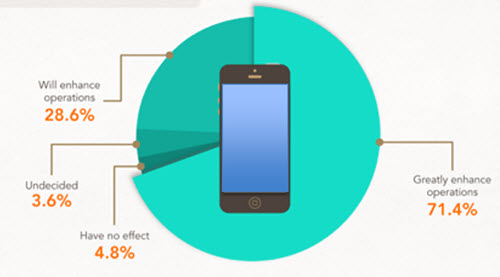
In developing ideas for a new way to show this information we noted the pie chart numbers add up to greater than 100% (108.4%). We let our client know of this and received a great soundbyte “Wow, you guys actually look at the content you are working with!”
Yes, TLC is very picky about the aesthetics (color scheme, alignment, consistency) AND the message.
– Troy @ TLC
Building Project (Bucharest)
This is not about PowerPoint, or a project I have worked on, but it is about presentation. This is a massive video project that is truly amazing (not so much for it story telling, but just technology and scope).
[original video no longer available from source]
– Troy @ TLC
Create Puzzle Pieces in PowerPoint
PowerPoint 2010 introduced the Merge Shapes toolset (trust me, it was hidden, but there). In PowerPoint 2013, the Merge Shapes toolset is much more accessible and refined. Here is an example we developed creating a much requested graphic element – puzzle pieces (download link below).
Here are the 4 puzzle pieces.
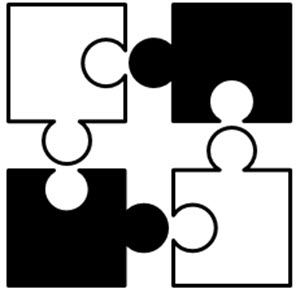
All are PowerPoint shapes
Here is a 4 step process to create your own:
1. Add 4 squares AND 4 small circles, so there are 8 shapes on the slide. COPY the 4 circles.
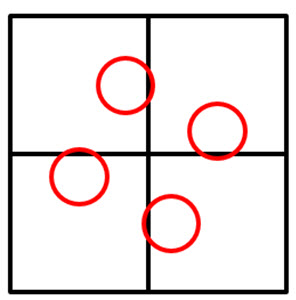
Select all shapes and subtract the circles from the squares to get these 4 shapes.
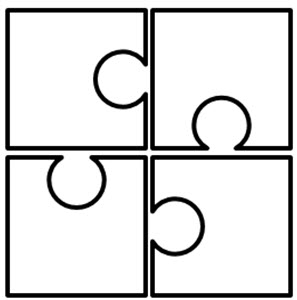
Paste in the 4 circles, so there are 8 shapes on the slide again.
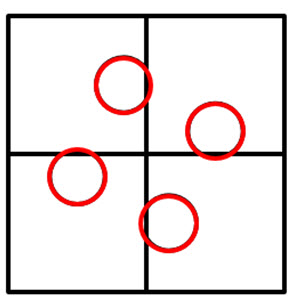
Select all 8 shapes and use the Merge Shapes tool to unite the circles to adjacent squares to create the 4 puzzle pieces.
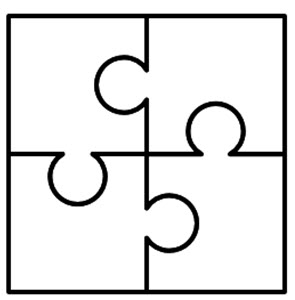
Each puzzle piece is a separate PowerPoint shape.
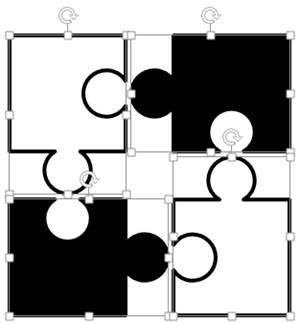
Each puzzle piece is a separate PowerPoint shape that can be resized, animated and recolored directly in PowerPoint.
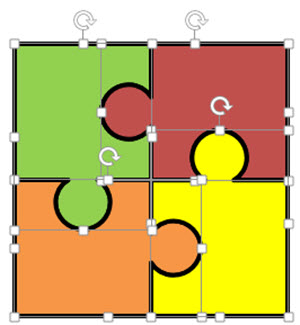
Download a slide with the 4 puzzle pieces: PowerPoint_Puzzle_Pieces
– Troy @ TLC
(Try 2) Animation Sample – It’s a Small World
—
This is the 2nd posting of this sample as the post last week did not include the video of the PowerPoint slides… oops.
—
These are slides from a recent presentation and the video below is the animated version of the 4 slides:
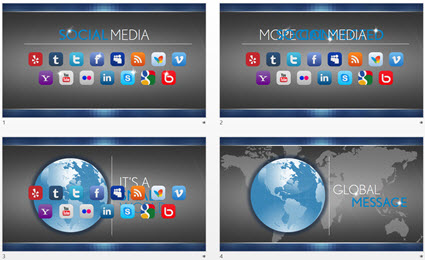
With some creative layout and PowerPoint animation, the presenter used this animated sequence to convey the message of their expanded Social Media presence and how it has a global reach (all animated on clicks):
– Troy @ TLC
Happy Halloween! Pumpkin Party 2014
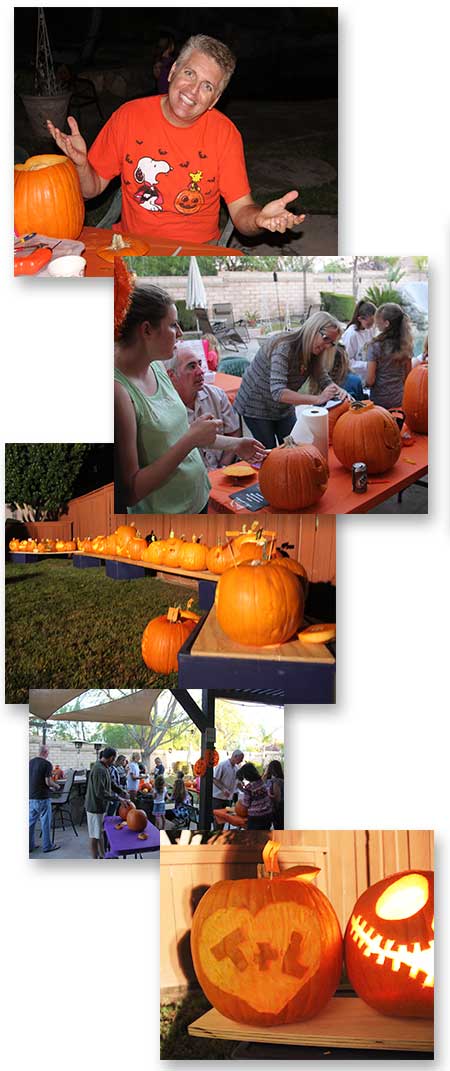
Our annual pumpkin carving party was a lot of fun this year with everyone showing great creativity!
– Troy @ TLC
Halloween 2014 PowerPoint Template
This is a fun time of the year and Cara, a new TLC staff designer, developed this fun Halloween themed template.
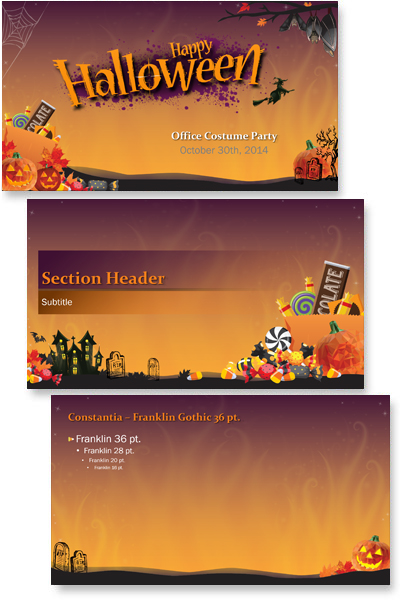
This is a FREE download, full featured PowerPoint template with all standard layouts customized to theme, custom color scheme, custom transitions, and more. Have fun using this template from TLC Creative Services!
Download here: Halloween-2014
– Troy @ TLC
Halloween Animation
This is a great animation from a Halloween themed template TLC designer, Jennifer, developed.
The slide was developed with this nice background art setup on the master slide.

Then the Halloween art elements were added to the slide.

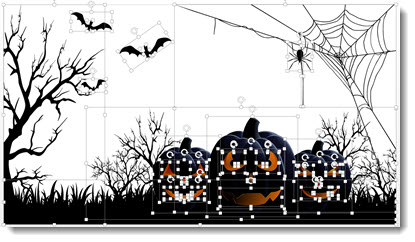
Here is the slide composed of the full moon background, all art elements and text boxes.

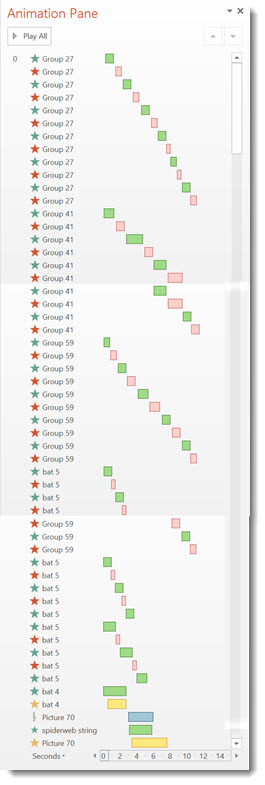
The animation pane shows lots is going on to create the motion on the slide (the addition of a real ‘loop animation section’ would make this type of slide much easier!).
– Troy @ TLC