
PPT 2010 Video Use Interview with PPT MVP Troy Chollar
Here is a quick interview I did at the Microsoft MVP Summit. We talked about video options in PPT 2010 and I used samples slides from my Winter Olympic presentations. See it here.
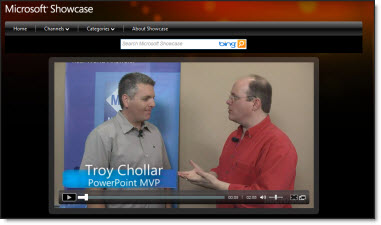
– Troy @ TLC
PPT 2010 and Addins
After installing Office 2010 one of the items I noticed is at launch it lists the add-ins being loaded (previous versions did not display this information).
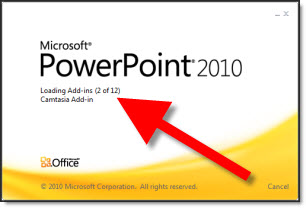
This is most noticeable the first time the application is launched as each addin is recognized and setup. Subsequent launches go much faster, which is very good.
– Troy @ TLC
PPT 2010 Sections (By Sandy Johnson)
Here is a quick video interview with Sandra Johnson, PowerPoint MVP, on Sections in PowerPoint 2010.
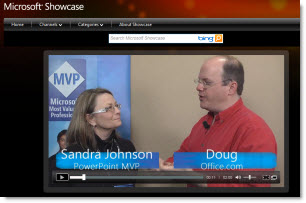
See it here.
– Troy @ TLC
Facebook and Office Files with Docs.com
Well it has happened. The first application I have seen that takes advantage of the new Microsoft Office 2010 Web Apps launched Wednesday. Docs.com lets you upload Office docs (PowerPoint, Word, Excel) either on your computer or using the MS Web Apps and then share them with your Facebook friends.
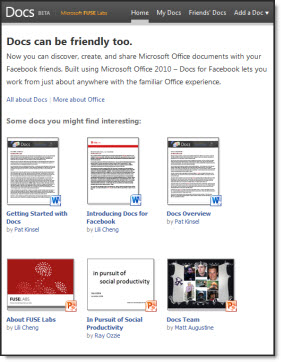
It was easy to start using. I opened Facebook and logged in. Then opened a new tab and went to docs.com and was automatically setup with the Facebook connector. It is a beta, so get on the waiting list.
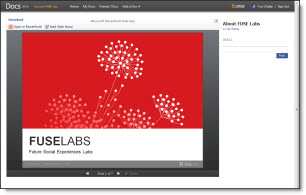
And if you have not seen the MS Web Apps in action, just click on any of the available docs and it will open in the MS Web App. Here is one of the PowerPoint decks viewed in the MS Web App on Docs.com
– Troy @ TLC
Office 2010 Product Guides
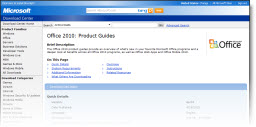
Here is a link to PDFs of all the Office 2010 Product Guides which give a good overview of what’s new.
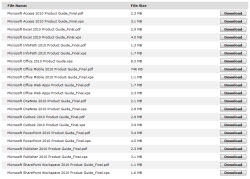
Every “2010” product is avaiable:
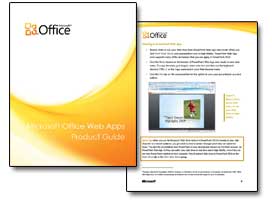
Here are a few pages from the Web Applications guide I downloaded:
– Troy @ TLC
3D Metallic Text Style
For a recent presentation I decided to develop this text in PPT using the text style options (vs. creating in Photoshop using preset filters). The result was liked by client and being able to edit text quickly within the presentation vs. adjusting in Photoshop and updating image was great.

Download sample slide here.
– Troy @ TLC
How To Fix The Gap in Text Reflections
Selective use of the reflection tool for text can make slide layouts very dynamic. But why does the upper text have a gap and the lower text does not?
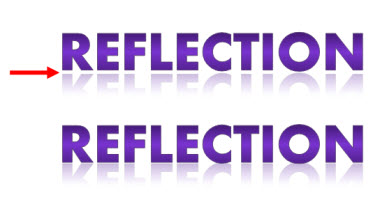
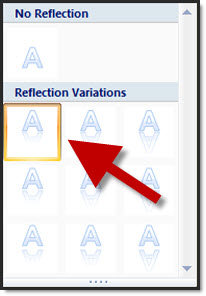
There are 3 preset gap options, but both samples here have the same setting (zero gap).
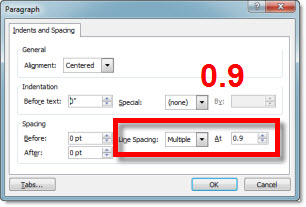
The answer is the line spacing is different. The larger the line spacing the larger the reflection gap – even when set to zero gap option. The top sample has a line spacing of 2.0, which creates a gap:
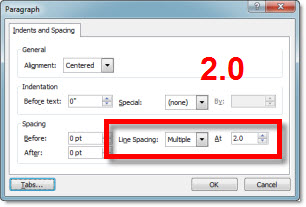
The lower text is setup with a .95 line spacing (note: 1.0, or single spacing, is the zero point for refections):
– Troy @ TLC