
Podcast 83
A new episode of The Presentation Podcast is available today! This episode join Troy Chollar of TLC Creative, Lori Chollar of TLC Creative. Richard Goring of BrightCarbon, and Tara Sheffield of SlideRabbit for a conversation about the experience of taking (and passing!) the Presentation Guild, Specialist Level Presentation Certification. , Nolan, and Sandy is available today!
Episode, 83 – We Took The Presentation Professional Certification – and Survived! is a must listen to for anyone considering taking the new presentation industry certifications. Listen in on Apple Podcasts, Stitcher, Google Play, Spotify and Soundcloud – just search for “The Presentation Podcast” – or go direct to the episode page here: https://thepresentationpodcast.com/podcast/83

Skype For Businss Official Retirement Date Set
Well, after the previous post, this is timely, although not eminently soon.
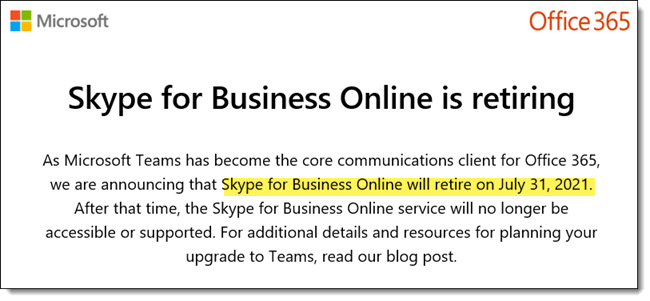
I just received an email from Microsoft announcing Skype for Business is officially being retired and we must move to Teams. The good news is, it is almost 2 years away (July 31, 2021)! I am hopeful that the Microsoft Teams interface will be streamlined (eg. to not take up nearly an entire monitor) before we are forced to switch over.
Troy @ TLC
Give Me Back My Sykpe for Business!
Microsoft is making the move to Microsoft Teams. But if you looking to stick with Skype for Business a bit longer, Microsoft does not make it is easy to find. These steps worked for us (as of today):
– Log into your O365 account

– Click settings GEAR
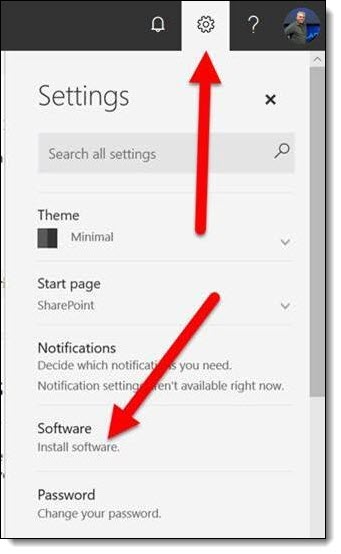
– Click INSTALL SOFTWARE
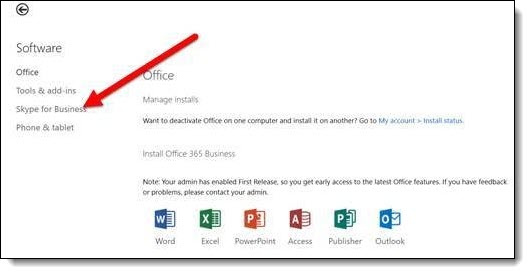
– Ignore the list of installable apps and click SKYPE FOR BUSINESS link on the left
– Pick 32 or 64 bit (match to your version Office) and install
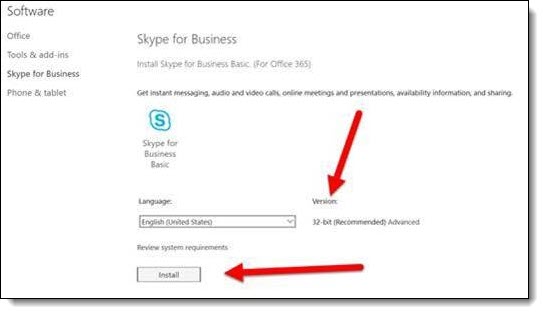
– You have Skype for Business again! Previous settings should be preserved, but you may need to log in and adjust app preferences if not retained.
Troy @ TLC
Windows Emoji Keyboard
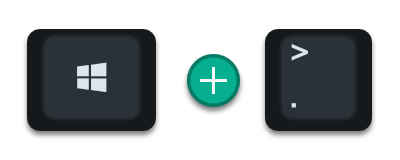
Microsoft Windows added a very cool emoji keyboard, or at least a dialog to point and select emoji’s. To open, click the Windows Key and the period key.
Click any emoji and it will be added to virtually any app text box selected (😎🤷♂️👍, see I just added three emoji’s to this blog post – but being over the age of 35 I have no idea what I just said…).
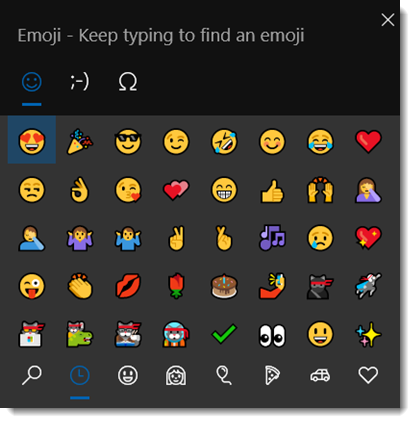
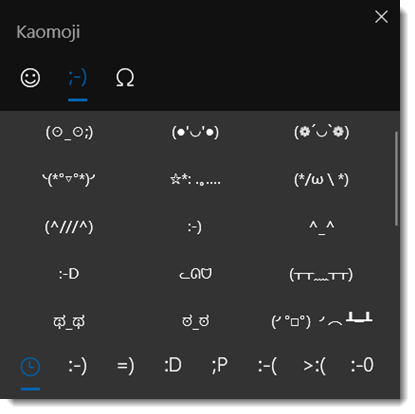
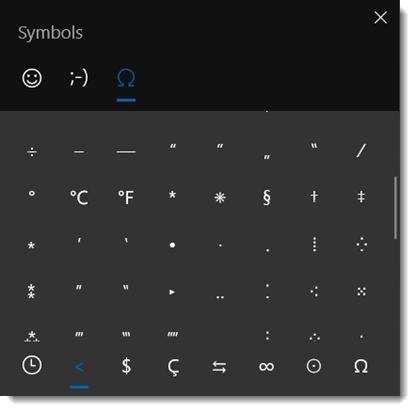
There are 3 tabs; Emoji (full color), Kaomoji (traditional ASCII emoji’s), and Symbols (well, symbol characters)
Troy @ TLC
The PowerPoint Icon Library Adds a Search Feature (YAY!)
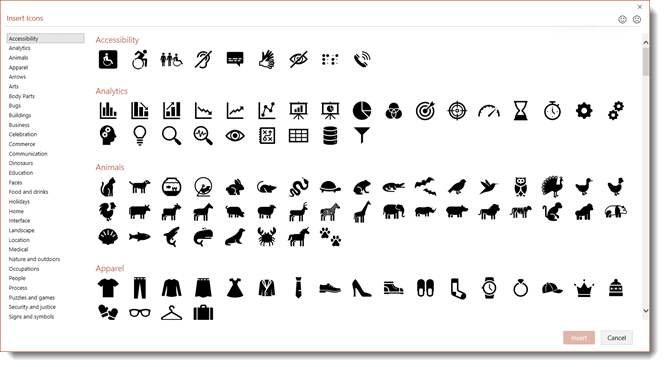
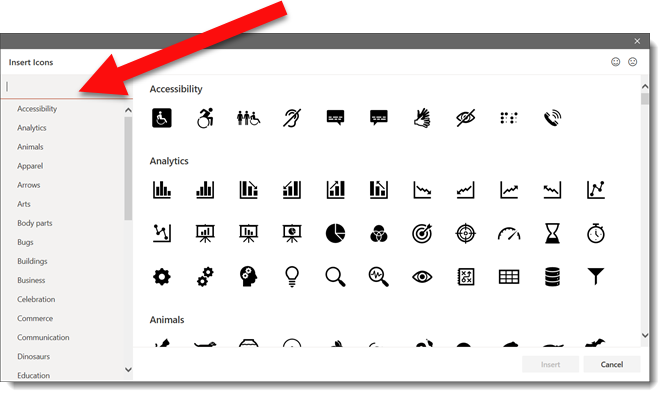
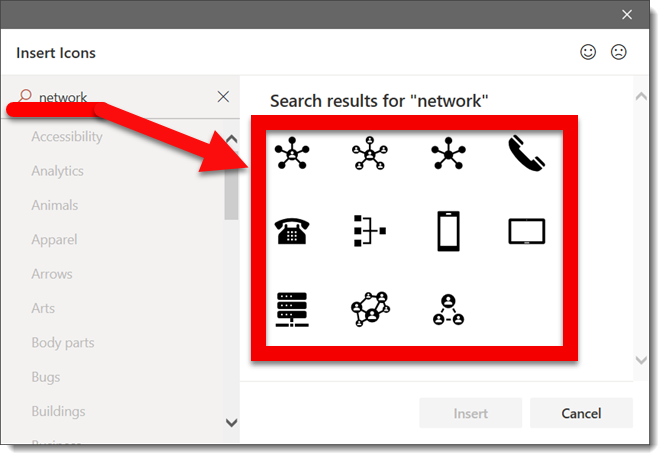
The included icon library in PowerPoint (and all Office apps; Word, Excel, Outlook) recently received an update. There are more icons, the meta tagging appears to have more refinement, and there is SEARCH BAR, so no longer a need to endlessly scroll looking for an icon.
Old insert icons dialog:
Updated insert icons dialog:
Troy @ TLC
The Microsoft Office Insider Newsletter – Get It.
The Microsoft Office Dev teams have been doing a good job of getting new release and Tips & Tricks posted on the Microsoft Office blogs. But it is a separate blog for every product and some products have more then one blog… I really like the Microsoft Office Insider (Email) Newsletter, which is a nice summary of the hottest news and announcements on the many Office blogs compiled into a nicely formatted HTML email.
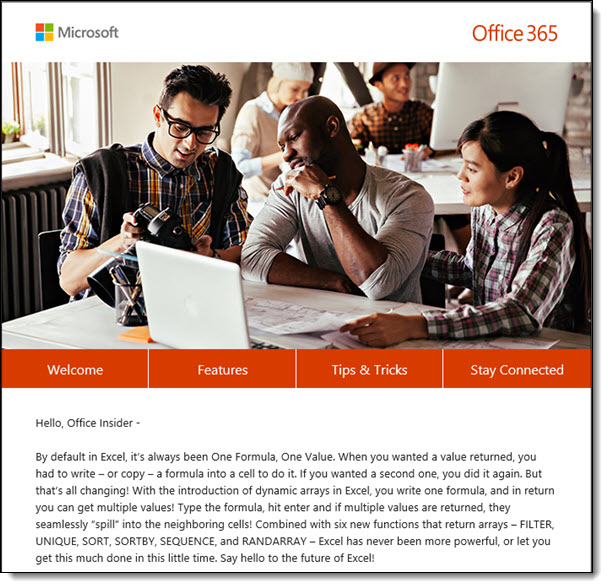
I find this a great resource for reading not only about PowerPoint and Excel features that are a part of my daily work life, but seeing info about other apps I generally do not subscribe to their blogs, such as Android and IOS releases, Dynamics, and others. You can sign up to have the free Microsoft Office Insider newsletter show up in your inbox here.
Troy @ TLC
The 7 Most Used Creative Commons Licenses
Creative Commons licensing is an important item to understand as “CC” licensed images are used often in presentations. I have found one of the large misunderstandings of many designers is that “Creative Commons” licensing does not always mean the image is free to use, free from attribution needs, and free to own. This is a very high level overview of Creative Commons and I am calling out the 7 most used Creative Commons licensing options.
Here are a few soundbytes of info, and as much detail into legal use, where to use, how to use I am including (eg. basically none):
- The best, short, definition of Creative Commons I found and like to use is: “Creative Commons (CC) is an American non-profit organization devoted to expanding the range of creative works available for others to build upon legally and to share.“
- Copyright is the exclusive legal right, given to the legal owner of the art piece to print, publish, perform, film, or record literary, artistic, or musical material, AND to authorize others to do the same.
- Copyleft is approval to use, modify and distribute an art piece freely on condition that anything derived from it is has the same rights (eg. anything created from a Copyleft art piece is also Copyleft).
- Share-alike is used by Creative Commons and virtually the same as Copyleft; approval to use, modify and distribute an art piece freely on condition that anything derived from it is has the same rights.
- The official website for Creative Commons is CreativeCommons.org.
- The Creative Commons Wikipedia page is a great resource on the topic.

Creative Common licensing is visually represented by rectangle logos like these. Inside the rectangle, each circle icon has an exact meaning and logos can have 1 or several of the Creative Commons attributes, or clauses, assigned to it.
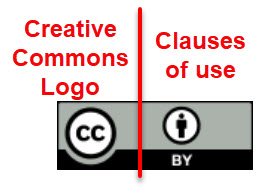
The icon tells us a lot about that image. The Creative Commons “CC” logo is on left of every logo. To the right are icons representing the clauses, or rules, that apply to that image.
Here is a quick primer on the 4 most common licensing clauses:
 ATTRIBUTION (BY). You can copy, distribute, display and perform the work and make derivative works if they give the author or licensor attribution.
 SHARE ALIKE (SA). You can distribute derivative works only under a license identical (“not more restrictive”) to the license that governs the original work (Share Alike and Copyleft are similar concepts).
 NON-COMMERCIAL (NC). You can copy, distribute, display, perform the work, and make derivative works only for non-commercial purposes.
 NO DERIVATIVE WORKS (ND). You can copy, distribute, display and perform only using the original image (eg. “verbatim copies of the work”).
Here are the 7 most common Creative Commons licenses we encounter:
 CC0, Free content with no restrictions, globally (note: it is C-C-Zero)
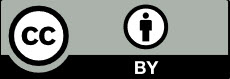 BY, Needs attribution
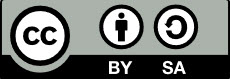 BY-SA, Needs attribution and ShareAlike
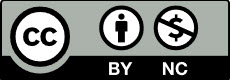 BY-NC, Needs attribution and only for non-commercial use
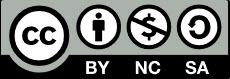 BY-NC-SA, Needs attribution, ShareAlike, and only for non-commercial use
 BY-ND, Needs attribution and only original art (no derivatives)
 BY-NC-ND, Needs attribution, only for non-commercial, and only original art (no derivatives)