Clipchamp

Clipchamp – Install Guide

Clipchamp is a video editing app that focuses on making video editing simple and fun. It was purchased by Microsoft with the goal to “empower creators.” Users can edit videos for a variety of social media platforms, such as YouTube and Instagram, or video to be used in a PowerPoint presentation. The app focuses on their template designs, but ignore that, import your own media, and have an easy to use video editor that exports professional file formats.
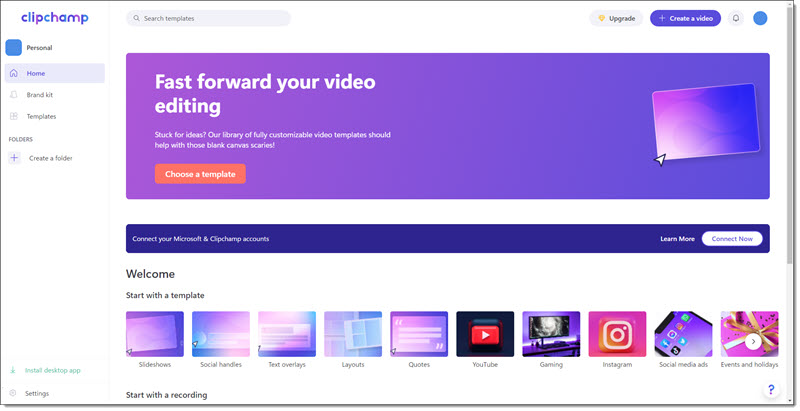
Getting Clipchamp has many options right now; download from the Clipchamp website, download from the Microsoft App Store, or the mobile version (review of the mobile app later in this series) at the Apple or Android app stores. One note, ClipChamp is not available for Mac computers currently.

At TLC Creative our focus is presentation design, so here is the process of installing on a Windows computer.

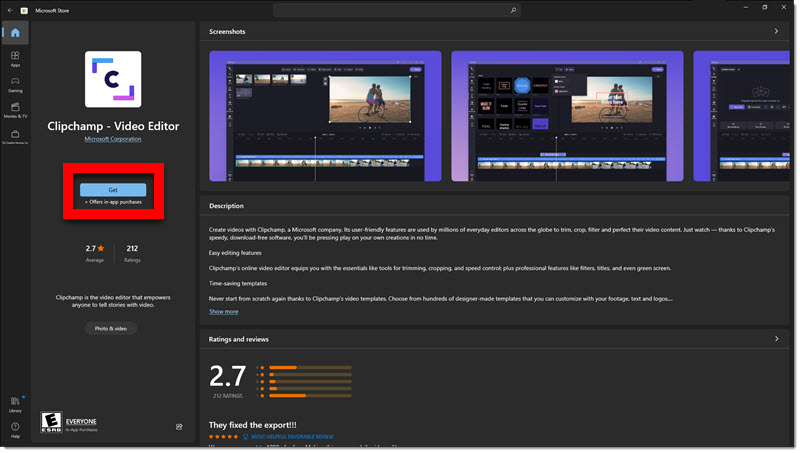
1. Open the Microsoft app store and search for “Clipchamp”.

2. Click on Clipchamp and “get” to download.
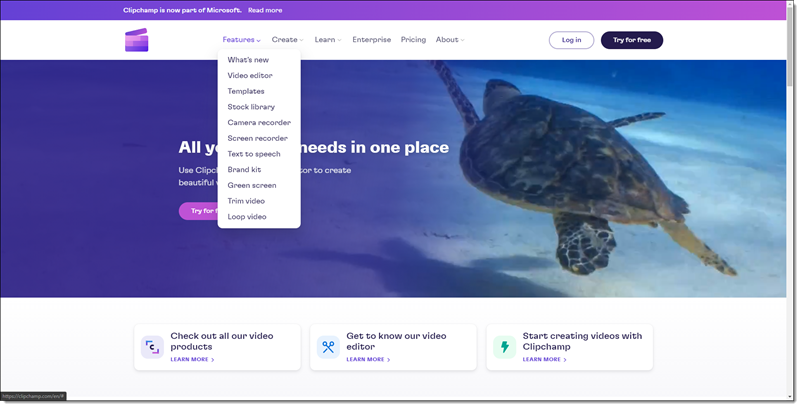
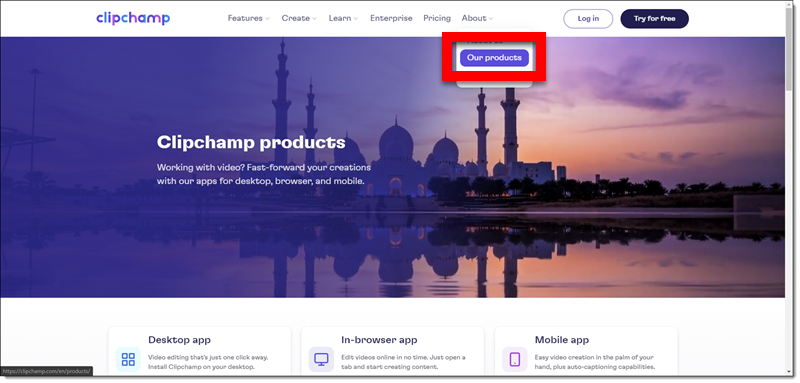
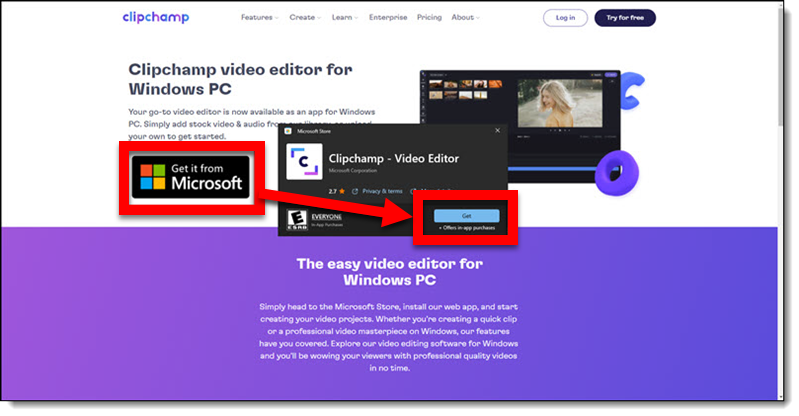
3. Alternately, go to the Clipchamp website, which ultimately takes you to the Microsoft app store to install. Hover over the “About” link in the top navigation menu and click on “Our products” from the drop-down menu.

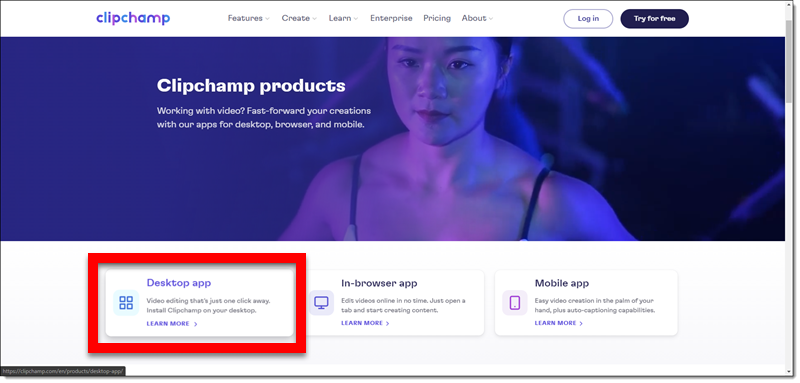
4. On the product information page, click “Desktop app”.
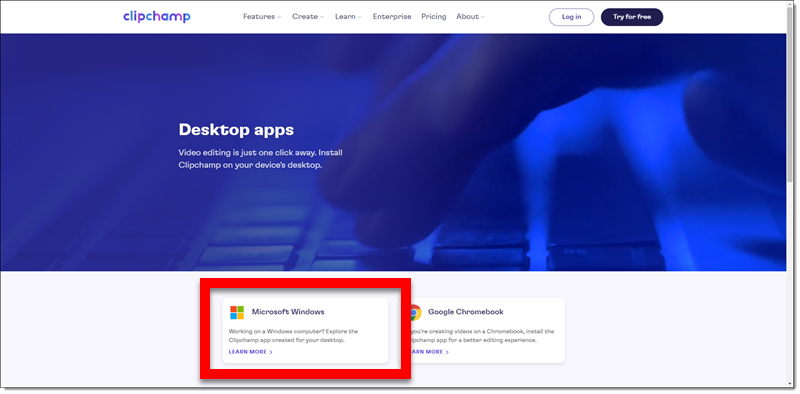
5. Then click the option that you need (eg. “Microsoft’s Windows”).
6. Then click “Get it from Microsoft” button. The pop-up window is the Microsoft Store. Click “get” to download and install.
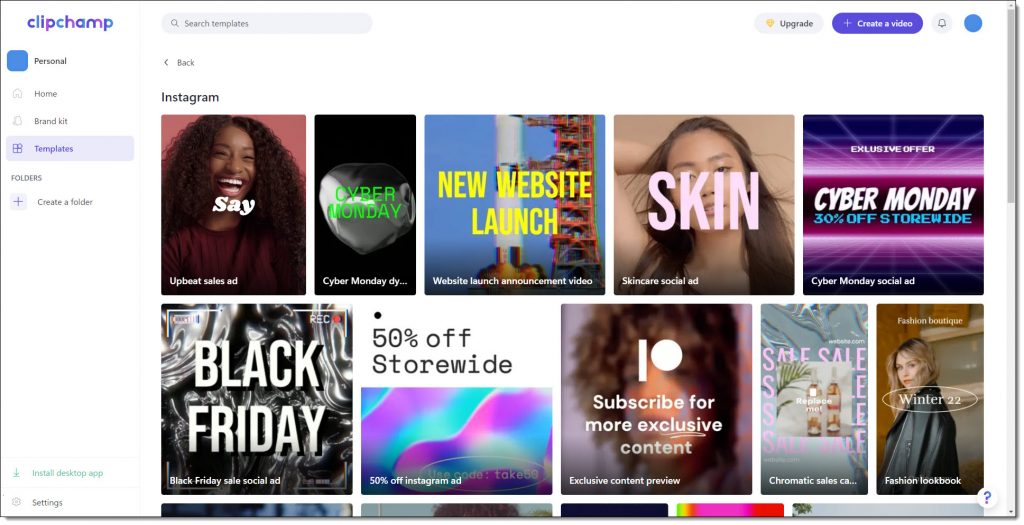
When installed on a computer, the app interface is virtually the same as the web-based interface, but you do not need to upload media (eg. videos, photos, audio) and can work on them as local files.

More to come!
Karen @ TLC
 

By |2022-06-22T12:44:47-07:00June 13th, 2022|Software/Add-Ins|

Clipchamp – A New Video Editor

Climpchamp is a video editing app that focuses on making video editing simple and fun. Microsoft recently acquired the company and is adding clipchamp to its array of features. Microsoft notes the goal is to “empower creators” – and as presentation designers, we are creators!

Clipchamp is a very capable (eg. real) video editing application. It does have a strong focus on video for social media; YouTube, Instagram, etc. – but this blog series is focused on using clipchamp for videos to be used in presentations.

Microsoft acquired Clipchamp, the Australian based video-editing app, in early September 2021 for an undisclosed amount. Clipchamp will soon be pre-installed on Windows 11 computers and is available to all now if they search, download and install. Clipchamp is also unique in that is as a mobile app, web-based browser app, and installed as a local/desktop app.

Troy here at TLC Creative Services has been testing Clipchamp, and already used it on several client projects – which prompted adding this blog series. I heard Troy say he thinks as a Microsoft standard app, clipchamp will become a standard video workflow option for presentation designers.


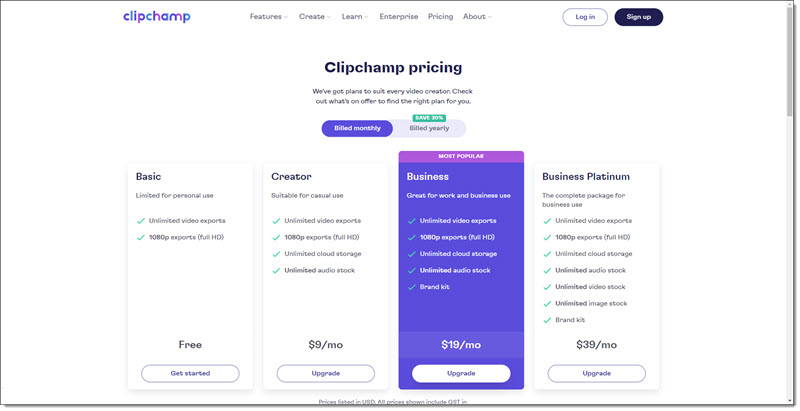
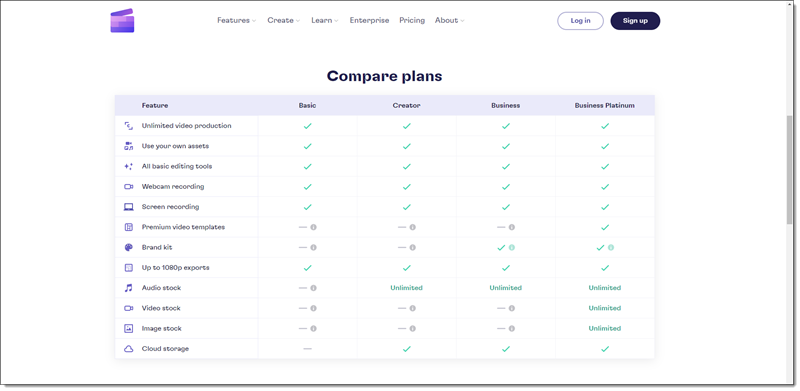
The app is free to use, but is currently a “freemium” app where there is a subscription to add some of its  features, such as unlimited cloud storage, unlimited stock media, and create a brand kit.

Clipchamp’s other great features include text-to-speech, video captions, essential tools for trimming and cropping, fade effects, and even green screen. Standby for each to be covered in upcoming blog posts.

By |2022-06-17T08:58:15-07:00June 9th, 2022|Software/Add-Ins|
Go to Top