Groundhog’s Day Slide Makeover #7
With the Feb. 2nd post, we displayed the original slide, which was handed off to the TLC Creative presentation design team with no notes or design notes.
Here is Amber’s presentation makeover.
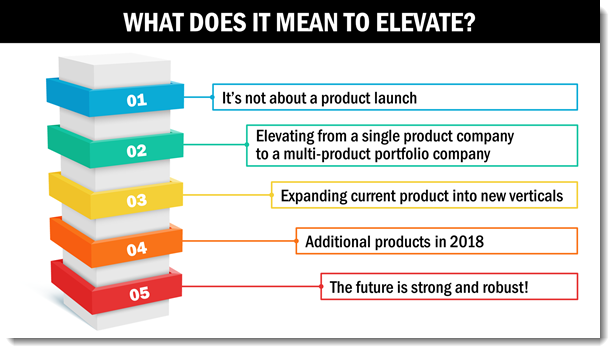
– Troy @ TLC

With the Feb. 2nd post, we displayed the original slide, which was handed off to the TLC Creative presentation design team with no notes or design notes.
Here is Amber’s presentation makeover.
– Troy @ TLC
With the Feb. 2nd post, we displayed the original slide, which was handed off to the TLC Creative presentation design team with no notes or design notes.
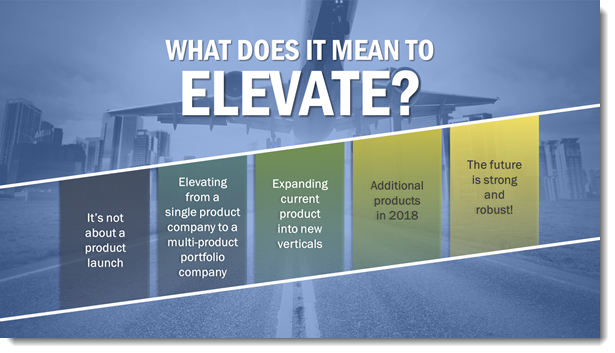
Here is Slide Makeover #6, done by Sara.
– Troy @ TLC Creative
With the Feb. 2nd post, we displayed the original slide, which was handed off to the TLC Creative presentation design team with no notes or design notes.
Here is Slide Makeover #5, done by Daetona.

– Troy @ TLC Creative
With the Feb. 2nd post, we displayed the original slide, which was handed off to the TLC Creative presentation design team with no notes or design notes.
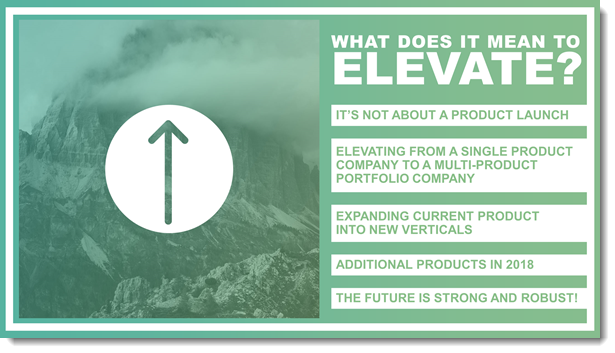
Here is Slide Makeover #4, done by Christie.
– Troy @ TLC
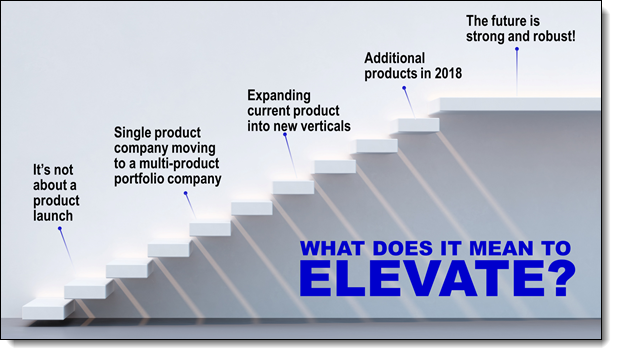
With the Feb. 2nd post, we displayed the original slide, which was handed off to the TLC Creative presentation design team with no notes or design notes.
Here is Slide Makeover #3, done by Lori.
– Troy @ TLC
With the Feb. 2nd post we displayed the original slide, which was handed off to the TLC Creative presentation design team with no notes or design notes.
Here is Slide Makeover #1, done by Troy.
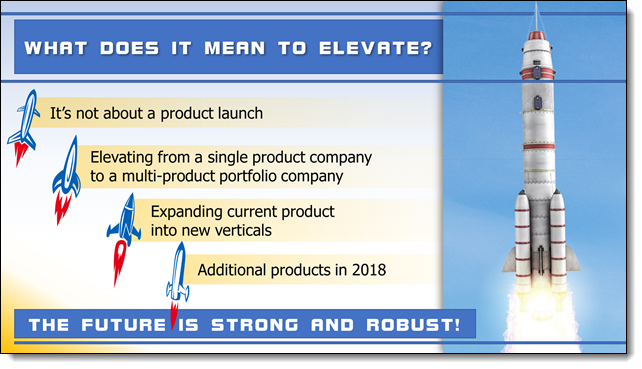
With the Feb. 2nd post, we displayed the original slide, which was handed off to the TLC Creative presentation design team with no notes or design notes.
Here is Slide Makeover #1, done by Wanda.

Troy @ TLC
Happy Ground Hog Day – February 2nd!

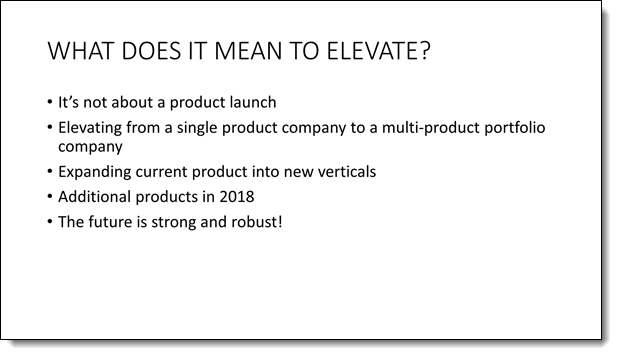
As with the tradition of Ground Hog Day, this month we are taking this (boring) slide and doing a presentation makeover on it every blog post. The goal is to show how the same content can be interpreted into many layouts.
Troy @ TLC
Just more fun, and a great example of using 3D models as part of the slide content created by Wanda on the TLC Creative presentation design team. This mini-presentation combines custom 3D models of the TLC Creative logo, images and PowerPoint text. With motion created with a combination of Morph and on-slide animations.
[KGVID]https://thepowerpointblog.com/wp-content/uploads/2018/01/unnamed-file-2.mp4[/KGVID]
Troy @ TLC
3D Models should be thought of as “standard” design images for the layouts. As example, this fun presentation is a mix of .png images, a 3D model and animation. The 3D model is not obvious it is 3D until its animation.
The animation was created in just 5 slides.
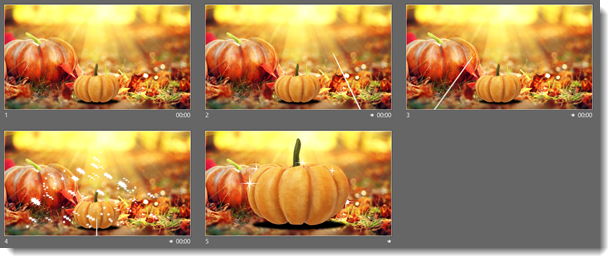
Content was a large background image, a .png image for the fairy wand, a lot of .png sparkle images, and a great 3D model of a pumpkin.
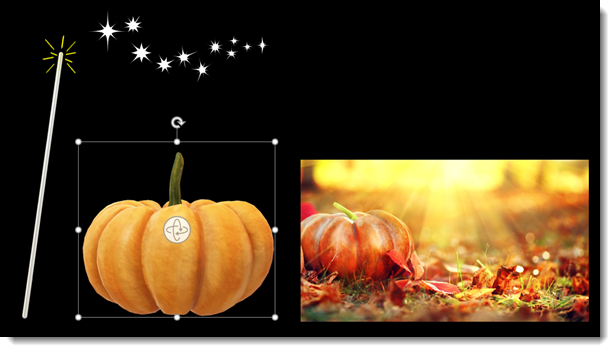
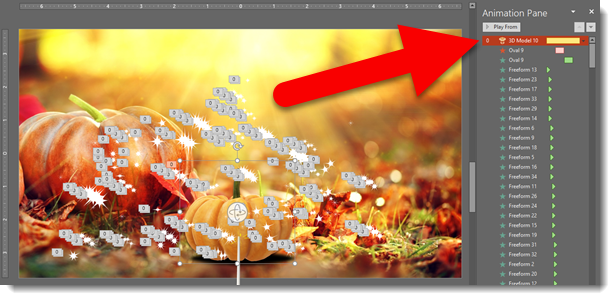
Slides 2-3-4-5 use a morph transition + on-slide animation. Slide 4, with lots of magic sparkles uses a morph transition and over 350 PowerPoint animations to create the effect!
Troy @ TLC