
PPT Brightness & Contrast Buttons
PowerPoint has very, very basic image editing capabilities. But some great effects and adjusts can be created quickly using the Brightness and Contrast toolset. Here is my original image of a chess board added to the slide.
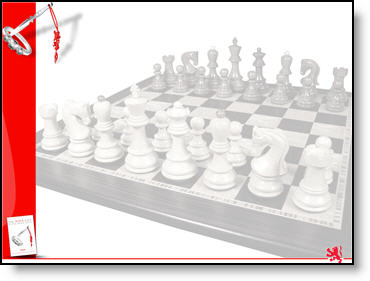
But it is to dark and too much contrast to effectively overlay text on.
Here is my adjusted image:
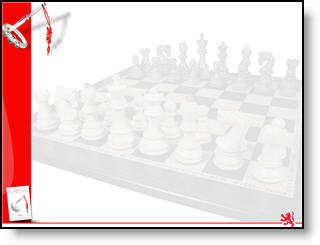
Instead of opening the image in Photoshop again – adjusting the brightness and contrast – saving out – re-inserting into presentation, I did all of the needed adjustments directly in PowerPoint.

I selected the image, increased the brightness around 8 clicks and decreased the contrast around 10 clicks and now the image is ready for the text box to be added to the slide. Took less than 10 seconds!
– Troy @ TLC