I work with PowerPoint on a daily basis and I am very honored to be a Microsoft PowerPoint MVP. We have a talented team of presentation designers at TLC Creative Services and ThePowerPointBlog is our area to highlight PowerPoint tips, tricks, examples and tutorials. Enjoy! Troy Chollar
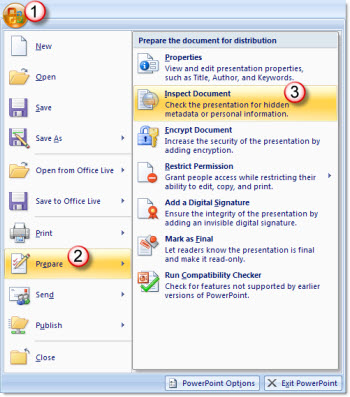
Inspect Document (3)
One of the professional touches when distributing a presentation is to verify what, if any, properties information is going out with the presentation. As example, if I developed a presentation for a client I would not want this information in the file properties:

Having my name, company and other information not pertaining to the client would be unprofessional.
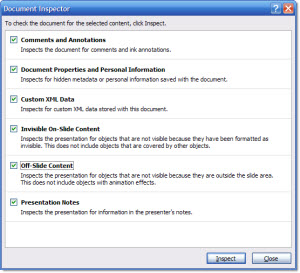
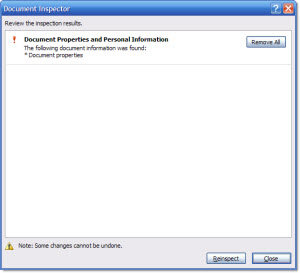
But if I go to Inspect Document, check ‘Document Properties and Personal Information’ and inspect the file:
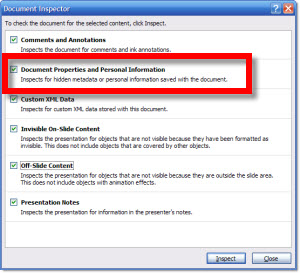
I am given an information dialog that says there are personal information in the file properties. What it does not do is give you a quick way to open the file properties and see what is there (go to Office Button >> Prepare >> Properties). But it does give me an option to remove the properties information.
Now the file properties are ready for me to add the end client information, or leave completely blank – either is a more professional touch than displaying your personal information.

– Troy @ TLC