Carousel Motion Effect
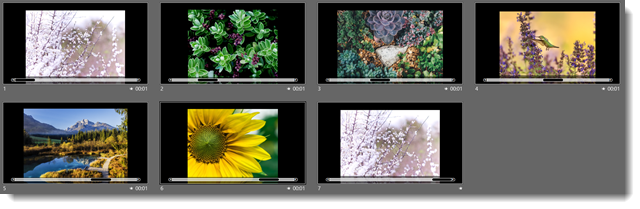
Using the same slides as the previous Morph transition, this version of the Carousel Motion Effect uses big bold photos, and includes a nice PowerPoint reflection styling.
[KGVID]https://thepowerpointblog.com/wp-content/uploads/2018/05/unnamed-file.mp4[/KGVID]
The animation in the video was completed on 7 slides, with no animation pane “animation.” Also included in the animation effect was the progress bar – equally easy to setup and animate with Morph.
Troy @ TLC
Carousel Effect
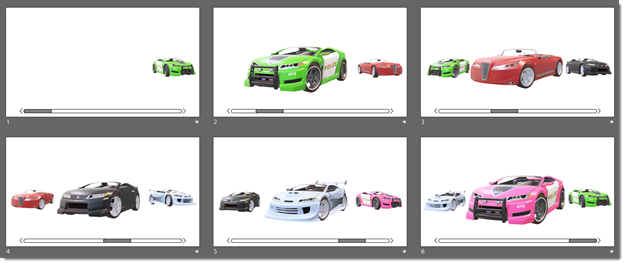
Using the Morph transition and 3D models this “Carousel Effect” is quick and easy to create.
[KGVID]https://thepowerpointblog.com/wp-content/uploads/2018/05/unnamed-file-6.mp4[/KGVID]
The animation in the video was completed on 6 slides, with no animation pane “animation.” Note: Each car not only moves and resizes, but also rotates from a 3/4 front left view to a 3/4 front right view as it moves across the screen. All animation was as simple as re-positioning the images, adjusting the rotation of the 3D models and applying a Morph transition.
Troy @ TLC
The Presentation Podcast Episode #54 Released Today!
A new episode of The Presentation Podcast with Troy, Nolan, and Sandy is available today! Check out the latest episode, #54 – A Conversation with PPT Add-in Developers (Part 2).

This week’s episode is Part 2 of the PowerPoint add-ins conversation with developers Steve Rindsberg of PPTools, Gil Segal of ToolsToo, and Jamie Garroch of YouPresent (Listen to episode 52 for Part 1 of the conversation). We cover three additional questions this time around: what about the new Microsoft Store web-based add-ins? What about Mac PowerPoint add-ins? And what is an add-in you would like to develop? It is a fantastic conversation, enjoy!
Membership Animation Example
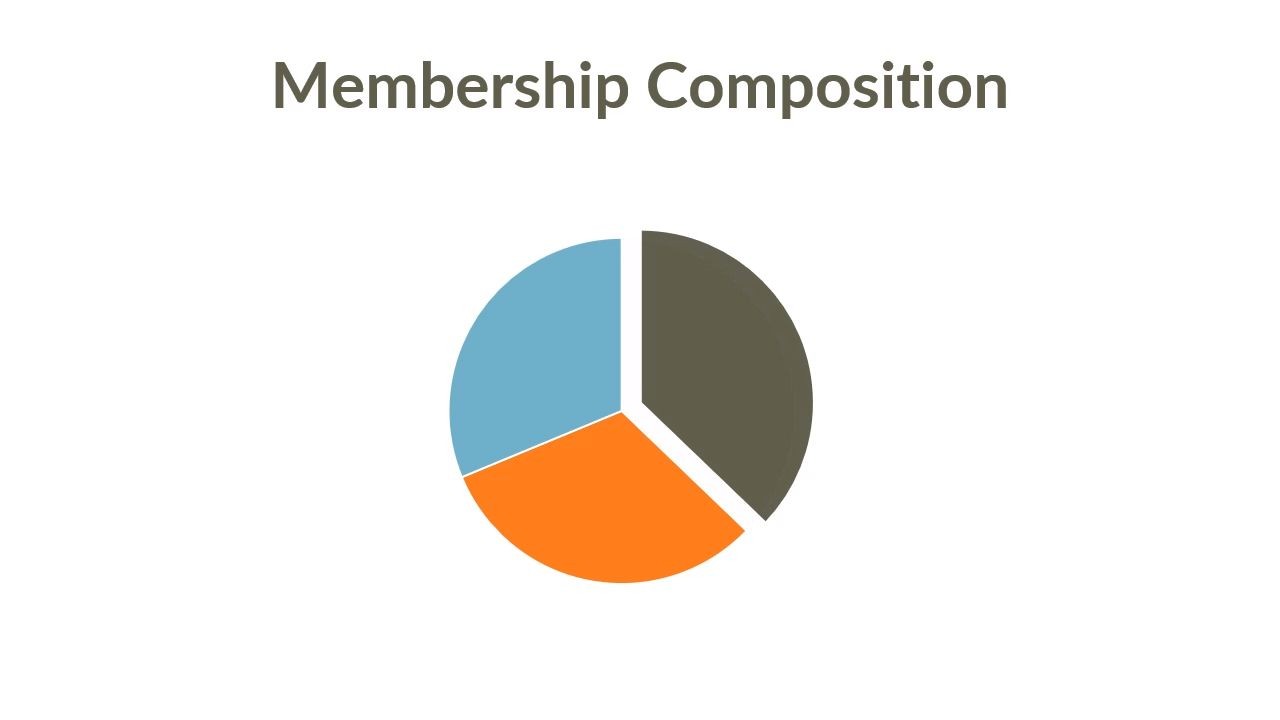
PowerPoint animations often depend on which motion effect is needed. For this membership animation example, the request was to emphasis each segment of the pie chart for discussion points (again, we simplified the slide for the blog by removing client information, template and styling). Because the numbers are constantly updating, our goal was to animate the editable pie chart vs. creating custom shapes and animating.
The formatting was simple, adjust pie chart and callout text size/position. For this effect, the Morph transition really did not accomplish a clean modern motion effect. A series of Fade transitions was a bit nicer than the Morph transition, but it still did not achieve a visual we liked. Ultimately, using the Shape (circle) out transition achieved a visual effect we liked.
[KGVID]https://thepowerpointblog.com/wp-content/uploads/2018/05/unnamed-file-2.mp4[/KGVID]
Troy @ TLC
Membership Animation
This is a membership animation slide from a recent project that demonstrates how to use animation to aid the presenter (we removed the nice template and styling). The message for the audience was that a very niche and exclusive association had exceeded all membership goals for the year. Rather than putting up a list of stats, we helped the presenter walk the audience through their 5 year story at their own pace with on-click animations and reveal the year-to-date total.
[KGVID]https://thepowerpointblog.com/wp-content/uploads/2018/05/unnamed-file-7.mp4[/KGVID]
The animation could be accomplished many ways, but the easiest way was to leverage Morph by splitting the original content across 7 slides, each slide transition being an animation. Easy to create, easy to manage, easy for the presenter to see the story flow.

Troy @ TLC
Animated Title Slide (Keynote)
The presenter title slide is a perfect opportunity to add some motion and pizzazz to a presentation. This is one of the title slide looks for a recent project, which was all developed in Keynote.
[KGVID]https://thepowerpointblog.com/wp-content/uploads/2018/05/unnamed-file-8.mp4[/KGVID]
Troy @ TLC
May Is All About Animation!
Welcome to May 2018! This month The PowerPoint Blog is focusing on animation, with a lot of great demos!
Troy @ TLC