
Dr. Carmen Simon on The Presentation Podcast!
Don’t miss episode 187 of The Presentation Podcast for a conversation with Dr. Carmen Simon on how presentation information is retained by attendees!
There is a science to the art of presentation design. Troy, Nolan and Sandy talk with Cognitive neuroscientist Dr. Carmen Simon about presentation information retention and her latest study findings. Listen here!
The Presentation Podcast in the Top 100!
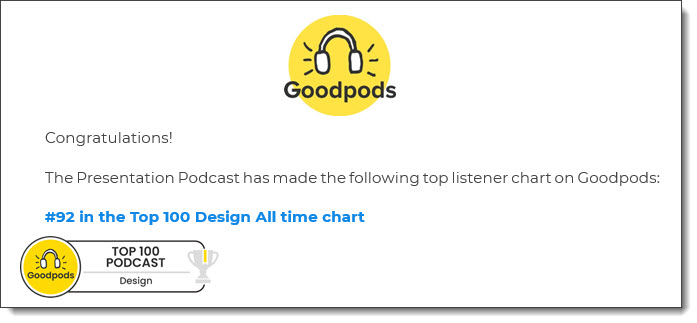
As we look to the end of 2023, an email like this is really nice . The Presentation Podcast earns a badge on Goodpods for being in the top 100 of all Design podcasts!
Troy @ TLC
Lots of BIG LED Walls
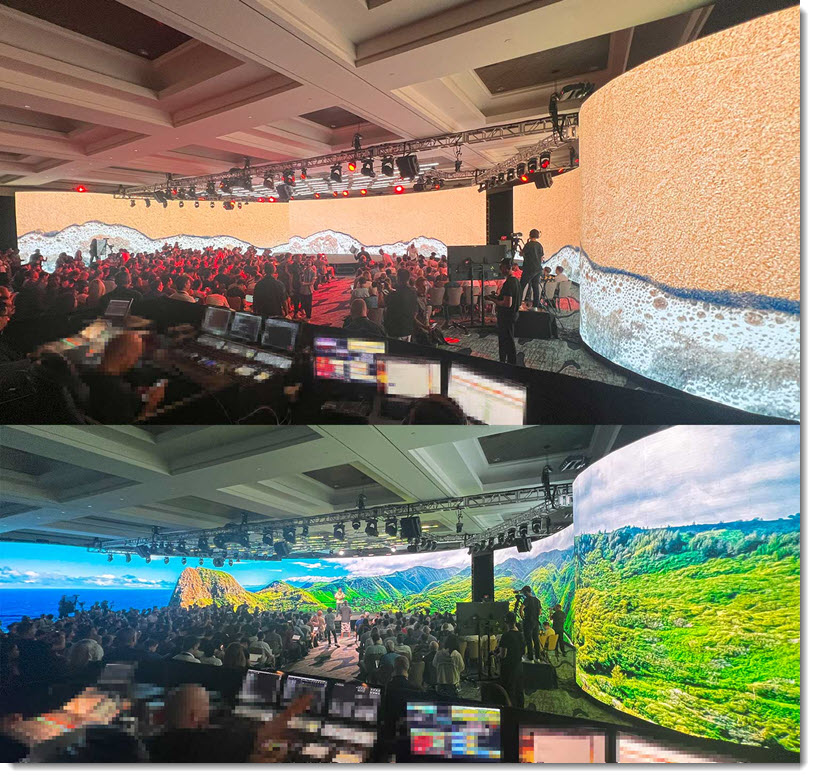
Ending the month with a few photos of an amazing event I was part of last month. All content has been removed from these amazing floor-t0-ceiling, curved layout LED walls that created an amazing event. Presentations looked amazing spanning this canvas!
Troy @ TLC
Happy Thanksgiving!
Happy Thanksgiving for those of us in the U.S.!

The fun and timely note about this post, and image, is I leveraged Microsoft’s newly released Windows OS Co-Pilot. I entered the prompt “Create an image of a Thanksgiving turkey giving a presentation.” 4 image options offered, all created by Dall-E-3, and the above is a royalty-free, good resolution (original image was 1024x1024px), creative and something no else has.

Troy @ TLC
Troy & Lori on The Presentation Podcast!
Listen to The Presentation Podcast for episode 186 with Troy and Lori of TLC Creative Services talking about their concept of “PowerPoint Concierge Level Formatting”.
Curious? Listen here!
Hotel Room Art Out of Balance with the Room…
Have you ever looked at a slide that’s clearly been repurposed and feels unbalanced? Modifying existing slides for new content is a great shortcut and time saver, but step back and look at the slide. Is the layout balanced? Are elements aligned to each other? Does the slide look “correct”?
I had the immediate feeling of looking at a repurposed slide when I stepped into my hotel room (this is really a hotel room I recently stayed in – but no brands or cities named). Instead of noticing all the nice things this hotel is offering, my mind was distracted (like an audience member being distracted by a poorly designed slide):
- Why is the art not centered on the wall?
- Did the room originally have just one bedside table on the right so the bed would be centered under the art when the furniture was centered on the wall?
- Was this just a bad art installation, or was the art here first and a new bed installed later?
- If the art was here first, what was the furniture like before that would make an off-center art piece look good?
- Wait…is there a problem with the wall that it cannot support the art if mounted in the center? Am I safe sleeping under this unstable art!!?
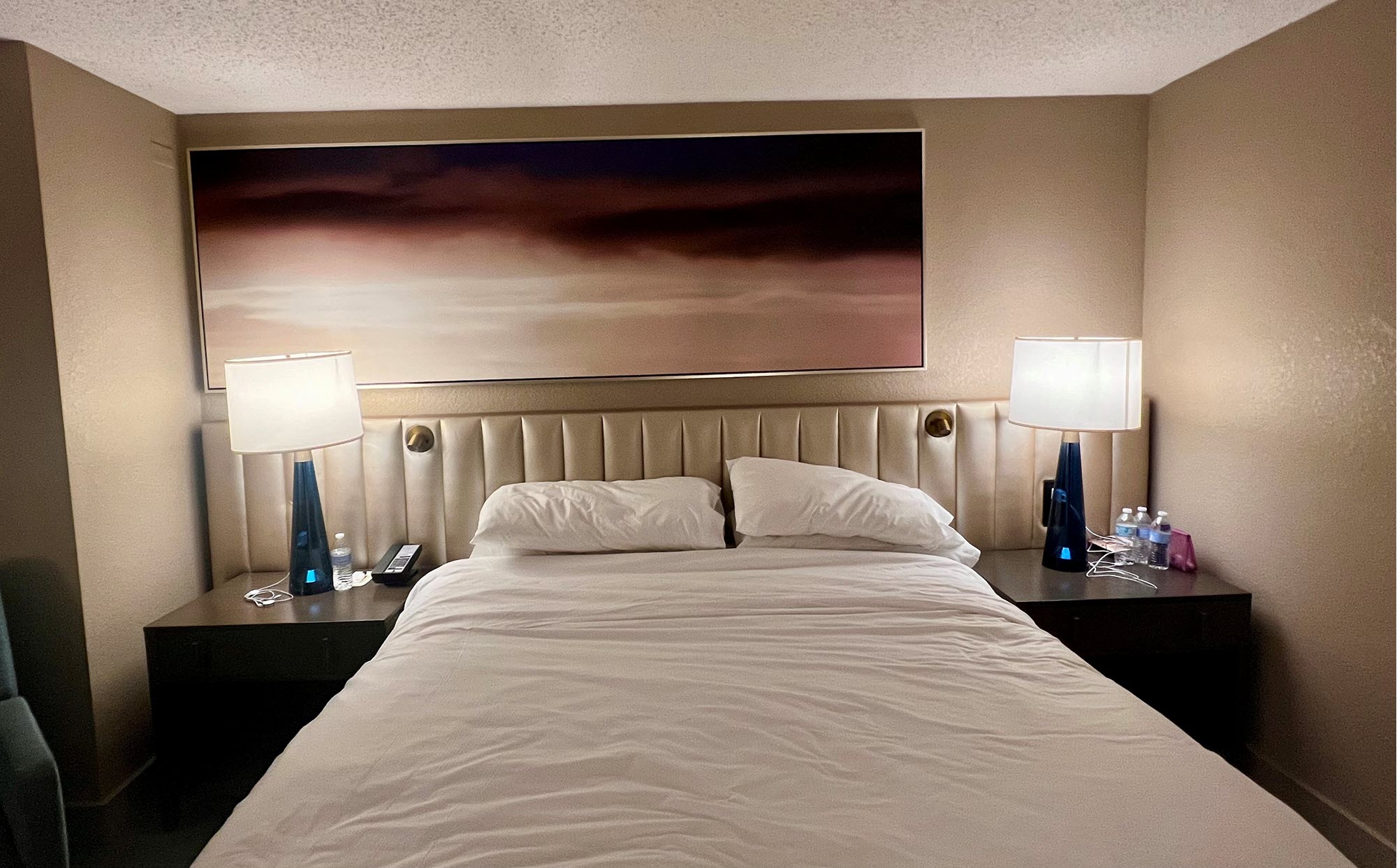
Moral – don’t create slides that let your audience get distracted with formatting questions. And don’t question the hotel room furniture and art choices, you are there for a short stay and will soon forget it (unless you use a photo of it for a blog post and then can be reminded of how odd it was for years-and-years!).
Troy @ TLC
Artist or Filter?
I have been enjoying time in Madrid, Spain touring museums. Two days ago, Lori and I spent the majority of the day at the Prado National Museum – doing the 3-hour self-guided tour in just over 6 hours. Yesterday was spent at the Thyssen-Bornemisza, also part of the National Museum, where tired feet prevailed, and we did the 2-hour tour in just over 2 hours!
Within the massive Thyssen collection is a fantastic nineteenth and early twentieth century section of art covering impressionism, cubism, art nouveau, and whatever we call Picaso-ism. And in this specific area of the museum (basically an entire floor), my mind shifted to work and graphic design. Photoshop is part of my creative process, along with using many image filters. But looking at these artists from a hundred years ago (that was epiphany number one, art from the 1920’s and earlier is now 100 years old!) – what was their inspiration? Beyond mastering painting technique, they were inventing image styling that today we easily achieve with digital filters (epiphany number two!).
The art in Madrid is amazing. The museums are amazing. The people, food, and drinks of Madrid are all amazing! Amazing!
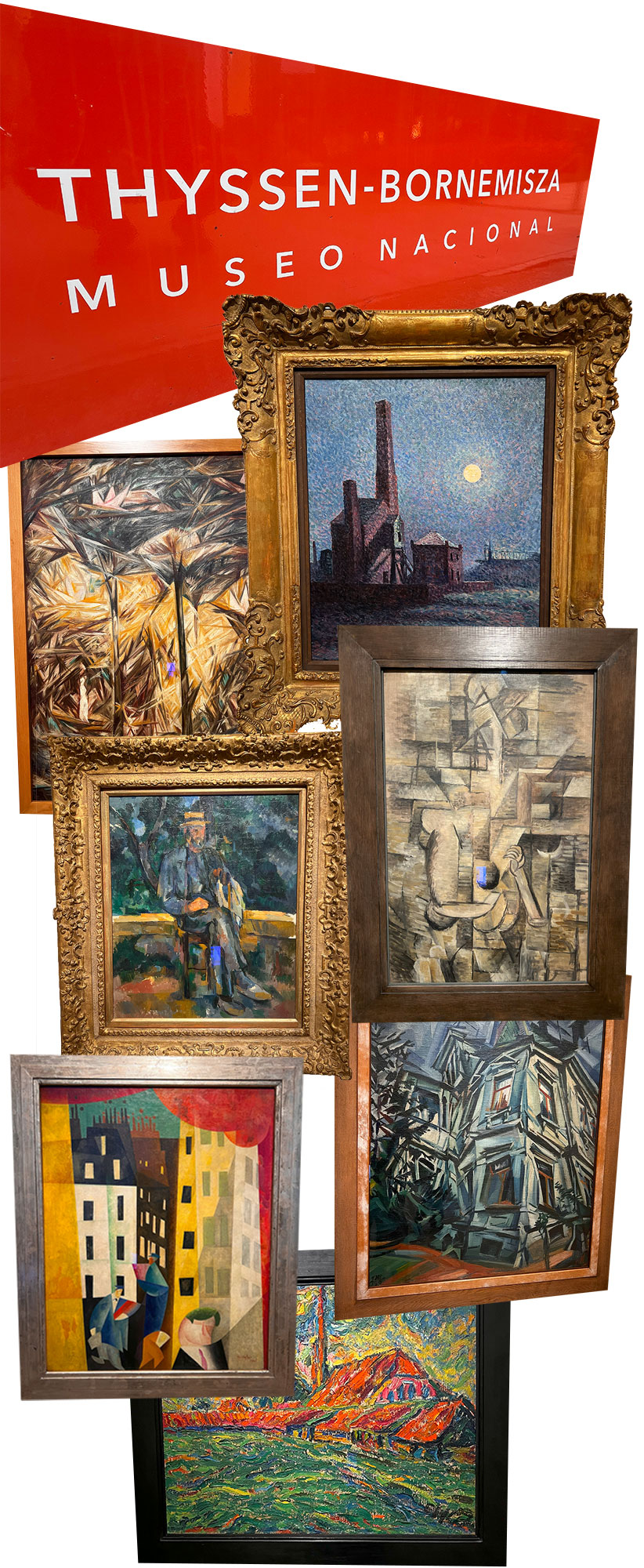
(all images take at the Thyssen-Bornemisza Museo Nacional).
Troy @ TLC