
Rounded is Here to Stay in PowerPoint
Back in July 2021, we wrote about PowerPoint’s visual refresh and Microsoft’s generous use of rounded corners throughout the user interface. At the time, Microsoft was referring to the style as “Soft Corners,” and we pointed out how it showed up across the Ribbon, the QAT, and, especially, the slide thumbnails in the left filmstrip.
Now we have an update, five years later.
THE UPDATE
The rounded corners are still there, and for presentation design work, they are still not great.
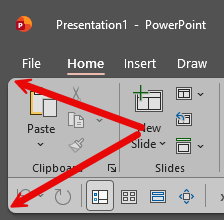
The main issue still is the slide thumbnails. A PowerPoint slide is a rectangle, and designers build around that rectangle. And while the actual slide canvas still displays correctly, the thumbnail preview rounds off the corners, which slightly changes how the slide appears at a glance.
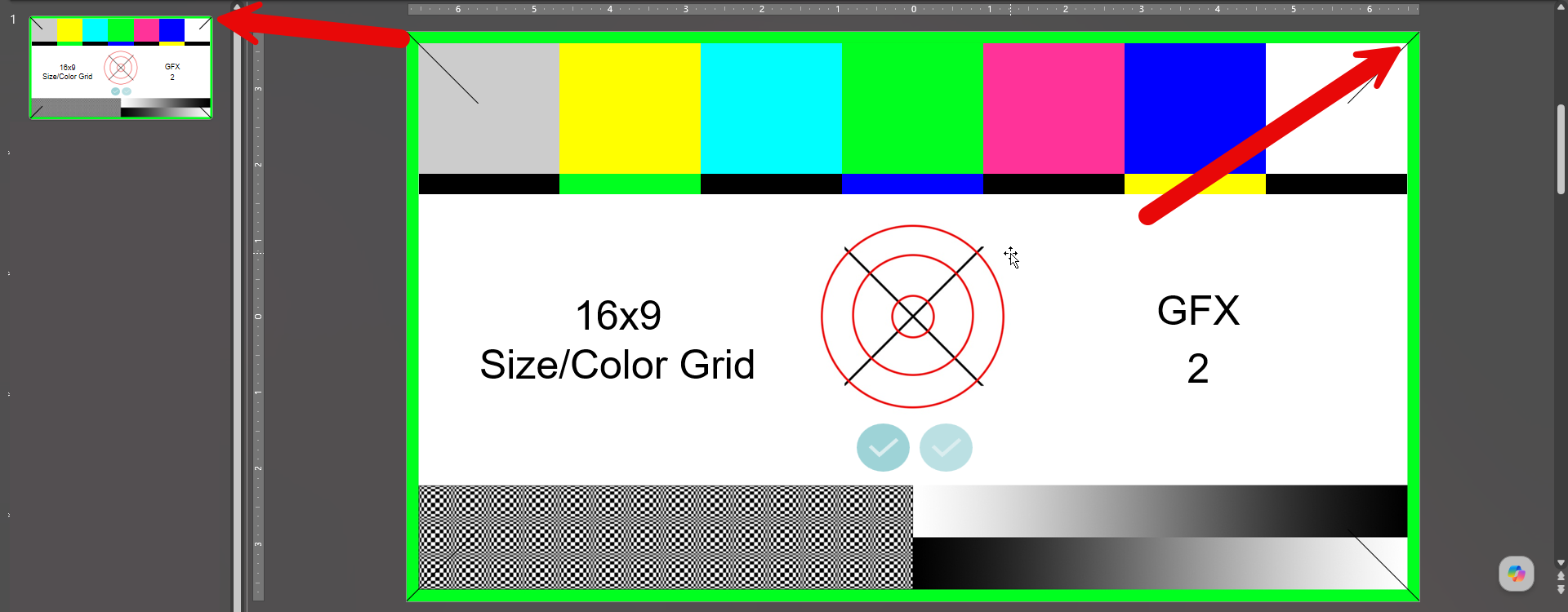
Sometimes that is barely noticeable… but other times, especially with slides that use strong borders, corner details, or a very clean linear style, the thumbnail can make the slide look different from what it actually is!
That sounds like a tiny UI detail, but in a visual design tool, small UI details like this matter so much.
Rounded corners can make an interface feel modern and consistent with current app and web design trends, but in PowerPoint, the slide thumbnail is not just decorative; it’s a working reference. Designers use thumbnails to scan layouts and spot design issues quickly. When the thumbnail changes the perceived shape of the slide, it becomes less reliable as a reference tool.
So, five years later, our view has not really changed: the rounded UI is still part of PowerPoint, and the rounded slide thumbnails are still not ideal.
-Troy @ TLC Creative