I work with PowerPoint on a daily basis and I am very honored to be a Microsoft PowerPoint MVP. We have a talented team of presentation designers at TLC Creative Services and ThePowerPointBlog is our area to highlight PowerPoint tips, tricks, examples and tutorials. Enjoy! Troy Chollar
Office 2010 Available – In 5 Versions
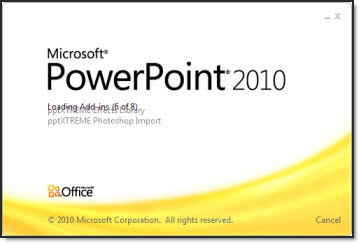
Office 2010 is officially available to all, and I highly recommend upgrading. Microsoft has released Office 2010 in 6 versions/bundles. The good news is PowerPoint is in all versions!
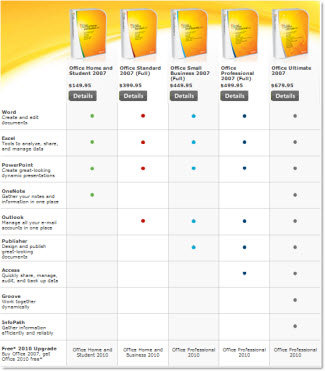
Pricing ranges from $150 to $680. Microsoft has a free upgrade from Office 2007 promotion going and I have seen deals as low as $60 using the promo!
– Troy @ TLC