I work with PowerPoint on a daily basis and I am very honored to be a Microsoft PowerPoint MVP. We have a talented team of presentation designers at TLC Creative Services and ThePowerPointBlog is our area to highlight PowerPoint tips, tricks, examples and tutorials. Enjoy! Troy Chollar
Is That a Ball or an Egg?
One thing easy to do in PowerPoint is to distort images. Often it is unintentional, but it happens fairly often. As example, on this slide, the picture looks distorted.

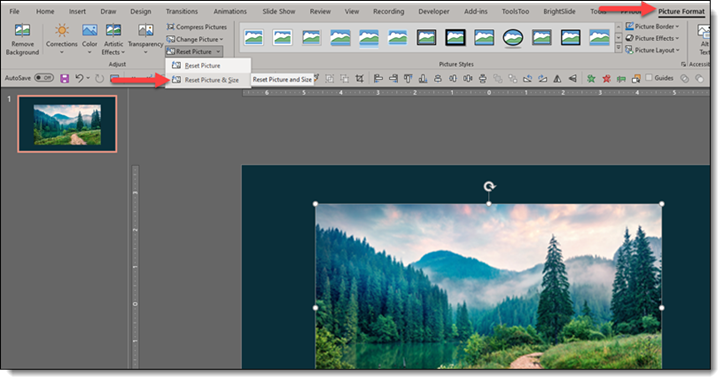
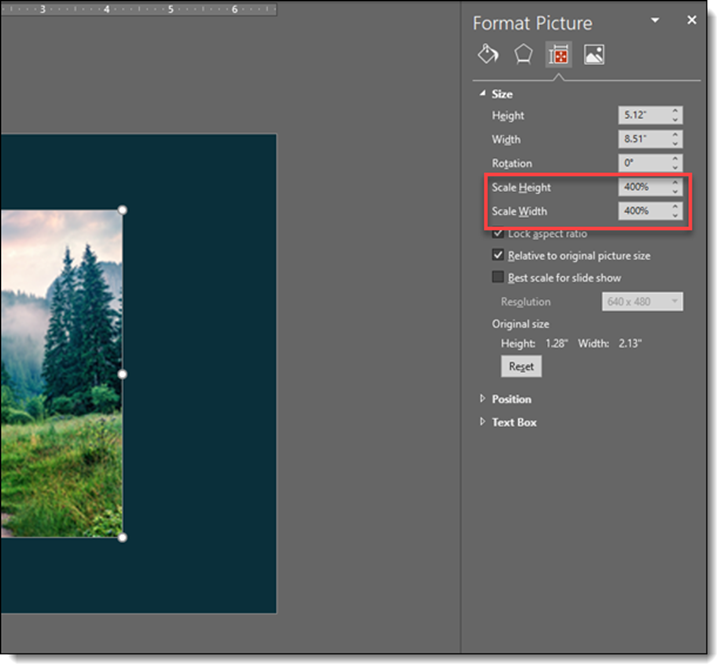
The soccer ball looks distorted, more of an egg shape than round ball. Here is how to check: select the image > go to the FORMAT PICTURE tab > go to SIZE & PROPERTIES tab > look at SCALE HEIGHT and SCALE WIDTH.
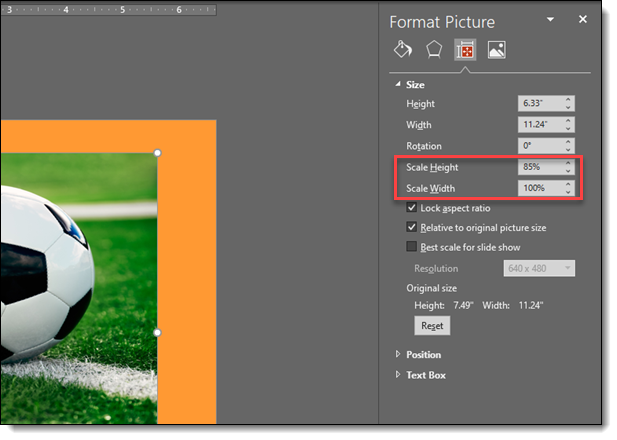
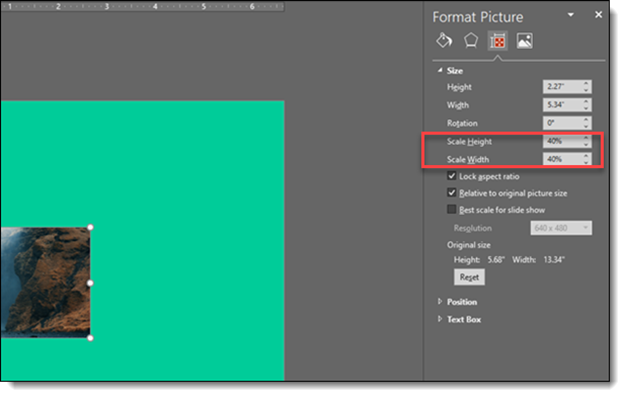
All images should be 100% x 100% if they are using the original size. If the image has been resized to be smaller or larger, the percentage will adjust, but should remain the same value in each field. Here the height and width are different, telling us the image has been distorted and is wider than it’s height.
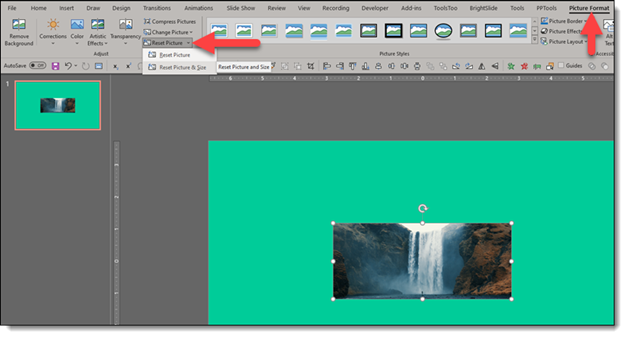
The simple fix is to make both fields that same value, say 100% x 100%. Then resize the picture using one of the 4 corners to maintain the aspect ratio.