I work with PowerPoint on a daily basis and I am very honored to be a Microsoft PowerPoint MVP. We have a talented team of presentation designers at TLC Creative Services and ThePowerPointBlog is our area to highlight PowerPoint tips, tricks, examples and tutorials. Enjoy! Troy Chollar
Talk to Your Slides!
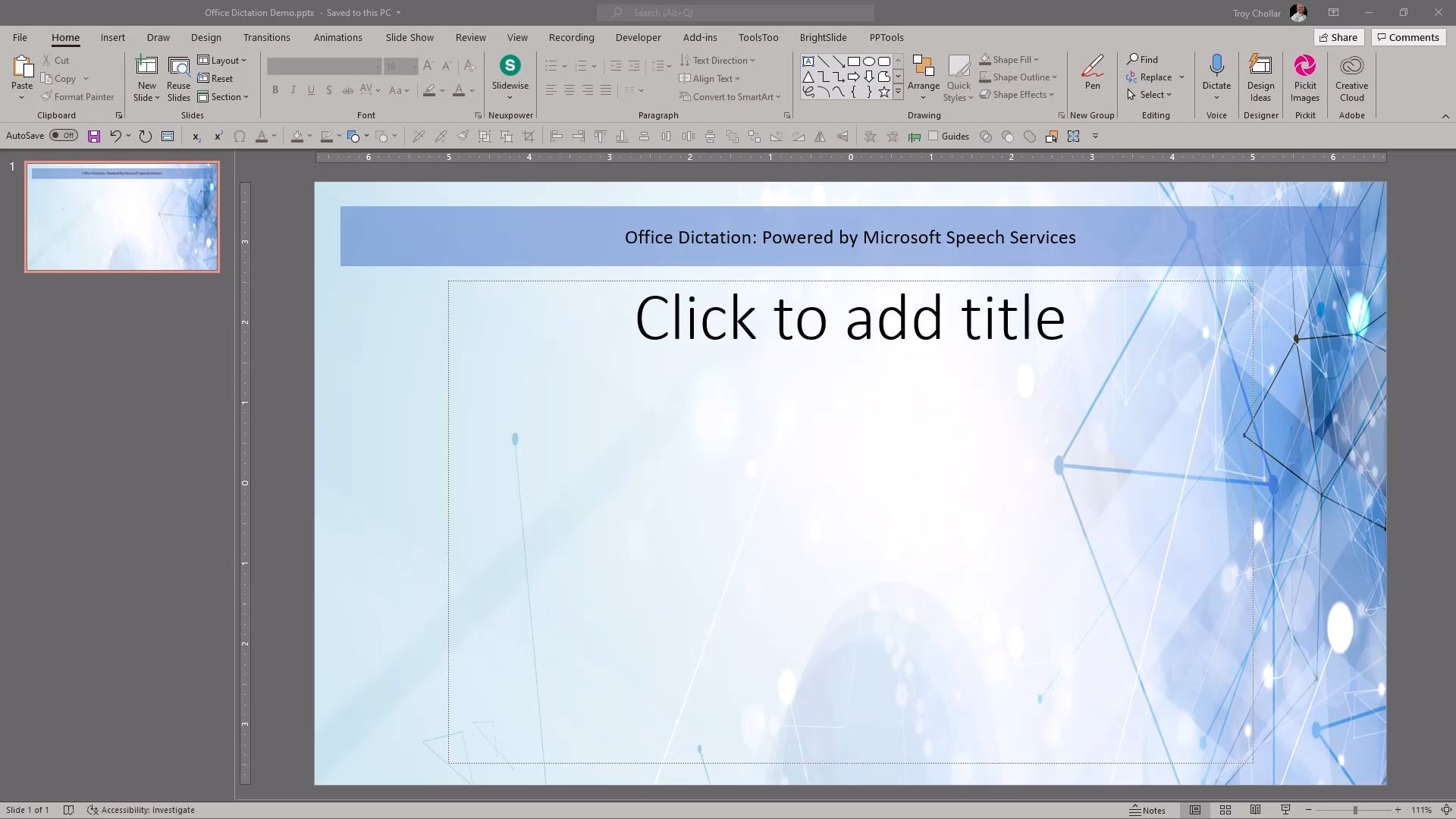
With everyone working remote, I have found myself using more dictation and voice command options than I was in our design studio (where everyone could overhear, and be distracted by, my “conversations” with my computer). Microsoft Office, and specifically PowerPoint, has a really good voice-to-text tool called “Dictate”. It is super easy to use, and I find it almost perfect on converting me talking to my slide to text on the slide.
[videopack id=”14795″]https://thepowerpointblog.com/wp-content/uploads/2021/05/Office-Dictation-Demo.mp4[/videopack]
Of note: in the demo video I am using the Windows desktop version of PowerPoint. The same feature is on Mac and PowerPoint for web.

Troy @ TLC