Recent Show
The past few months have been busy with lots of travel to shows. Here are a few quick photos from 1 of the 5 meetings/shows I handled the PowerPoint graphics for last month.
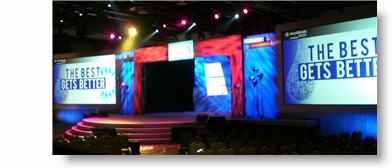
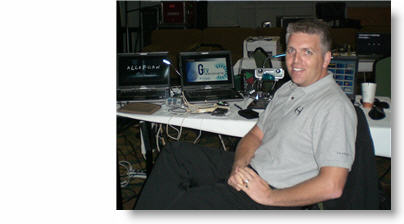
– Troy @ TLC

The past few months have been busy with lots of travel to shows. Here are a few quick photos from 1 of the 5 meetings/shows I handled the PowerPoint graphics for last month.
– Troy @ TLC
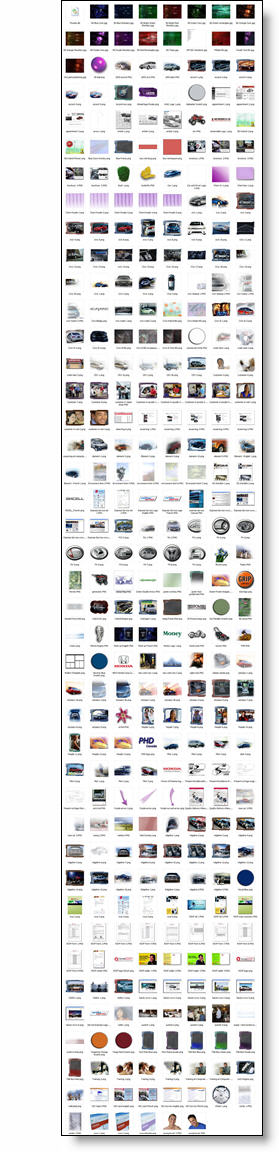
I am preparing material for a PowerPoint/Design course and this is screen capture of my images folder from a recent project. My message is that a presentation is more than bullet points and an image can be more effective. I practice that message and this is shows the number of images prepared in Photoshop for a recent presentaiton.
– Troy @ TLC
PPT 2007 has some great visual effects. For a recent project I was developing the PowerPoint presentations for speaker support. I was asked by the video production company that was creating videos for the same meeting if I could create a number of graphics that would have a coordinated look with the presentations. Among the graphics I developed these two piecharts (client data removed):
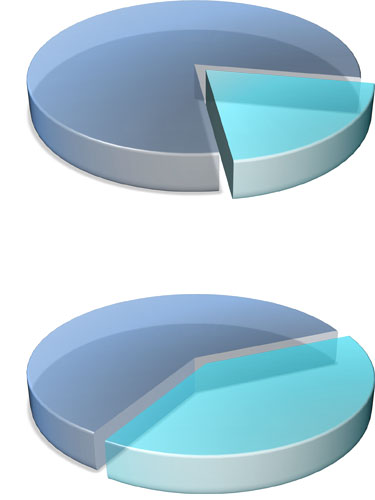
Each was saved out of PowerPoint as a .png which preserved the transparency and allowed the video editor to place the graphic over the motion background. They also animated from 1 piechart to the other showing growth. Pretty cool stuff!
– Troy @ TLC
To help a medical device company stand out I introduced some bold coloring. I also used shadowing, bevels and negative space to create the content area. Here is the template developed for medical device maker, Zylon.
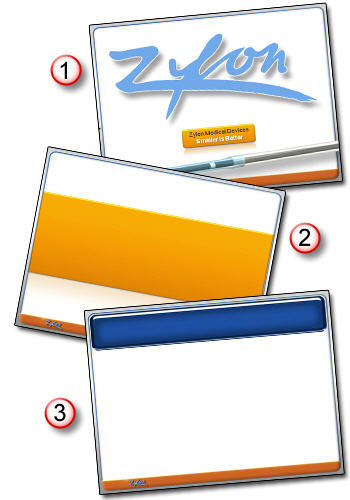
1. Theme Graphic
2. Title Slide
3. Content Slide
– Troy @ TLC
I recently had a project with the upcoming Batman movie, The Dark Knight. Had a lot of fun getting sneak peaks at images and footage of the movie. I was tasked with developing a PowerPoint template that carried the dark color scheme and edgyness of the movie. Of course using an all black color pallette is not that easy, but it did prove to be a fun challenge! Here are the 3 slide layouts used for the template:
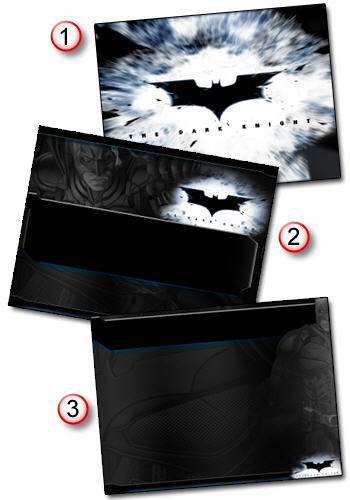
1. Theme Graphic
2. Title Slide
3. Content Slide
– Troy @ TLC
Wow, it’s February 29th – a day that only occurs 1x every 4 years!!

PS: ‘February 29’ text created in PPT2007.
– Troy @ TLC
Here is one of the logo concepts developed for a series of presentations.

All design was done in Illustrator to create scalable vector art (logo was used from presentations to print pieces to large banners). From there it was imported into photoshop and saved as a .png with transparency for use in presentations.
Note: we developed many logo concepts and this was my favorite, but not the “winner”.
– Troy @ TLC
In preparation for this weeks audioeducator.com web conference I put together a quick webcast on TLC Creative Services webcast development services.

Note: I recorded the audio in a hotel room while traveling last week, so this is not the final version.
Just wanted to get something out there for the many attendees (to the audioeducator conference) to see. Thought I would share it with everyone here and later I will have a small series on using PowerPoint as a layout tool for webcast development.
Click here to open the TLC Creative webcast page.
Click here for the audioeducator info page on my conference.
– Troy @ TLC
One of my recent projects was developing a 3 screen presentation for a large corporate event. Each screen was widescreen format (16×9). My goal was to create flowing template art that visually radiates from the center screen to the outer screens. Here are all three screens:
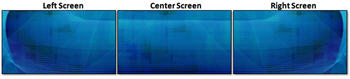
Here is a bit closer look at the left screen:

– Troy @ TLC
To add a professional touch to the aesthetics I create a feathered edge rectangle in Photoshop and save it as a .png with a transparent background.

I make sure it is sized just slightly larger than the movie image/placeholder and then send it BEHIND them. This provides a great aesthetic to the slide by adding some depth to the movie and making it float a bit off the background.
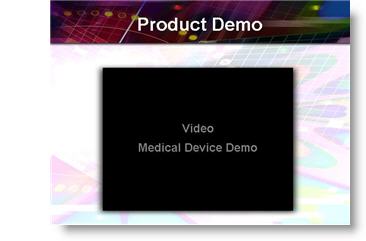
– Troy @ TLC