PPT 2010 Sections (By Sandy Johnson)
Here is a quick video interview with Sandra Johnson, PowerPoint MVP, on Sections in PowerPoint 2010.
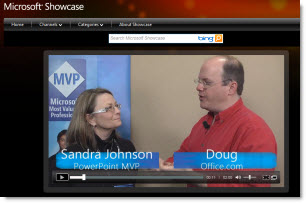
See it here.
– Troy @ TLC

Here is a quick video interview with Sandra Johnson, PowerPoint MVP, on Sections in PowerPoint 2010.
See it here.
– Troy @ TLC
Well it has happened. The first application I have seen that takes advantage of the new Microsoft Office 2010 Web Apps launched Wednesday. Docs.com lets you upload Office docs (PowerPoint, Word, Excel) either on your computer or using the MS Web Apps and then share them with your Facebook friends.
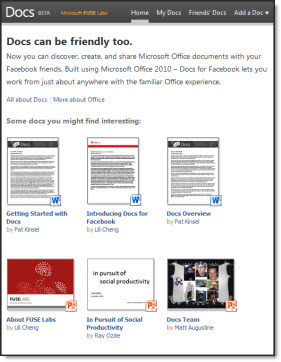
It was easy to start using. I opened Facebook and logged in. Then opened a new tab and went to docs.com and was automatically setup with the Facebook connector. It is a beta, so get on the waiting list.
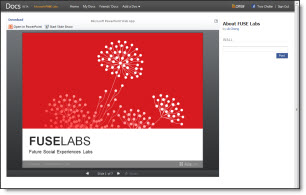
And if you have not seen the MS Web Apps in action, just click on any of the available docs and it will open in the MS Web App. Here is one of the PowerPoint decks viewed in the MS Web App on Docs.com
– Troy @ TLC
Here is a link to PDFs of all the Office 2010 Product Guides which give a good overview of what’s new.
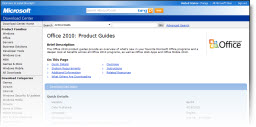
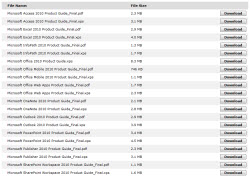
Every “2010” product is avaiable:
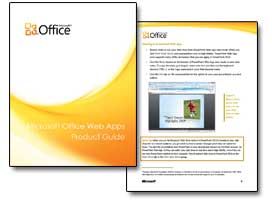
Here are a few pages from the Web Applications guide I downloaded:
– Troy @ TLC
If you are viewing this post, you may have some of these other blogs already bookmarked. Here is a list (aka ‘Roll Call’) of blogs by Microsoft teams:
Microsoft Access 2010 Team Blog
Microsoft Excel 2010 Team Blog
Microsoft Office 2010 Engineering
PowerPivot Team Blog
Microsoft Outlook 2010 Team blog
Microsoft PowerPoint Team Blog
Microsoft Word 2010 Team Blog
Office Web Apps
Microsoft Project Team Blog
Microsoft Publisher 2010 Team Blog
Microsoft SharePoint Team Blog
SharePoint Workspace Team Blog
SharePoint Designer Team Blog
SharePoint for End Users Blog
PerformancePoint Services
Microsoft Visio 2010 Team Blog
Microsoft InfoPath Team Blog
OneNote
The Office Blog
Microsoft announced a program last month that allows you to purchase Office 2007 (full version, not upgrade) and be eligible to download and register Office 2010 when it is available this June for Free. Details are at the Microsoft Technology Guarantee page:
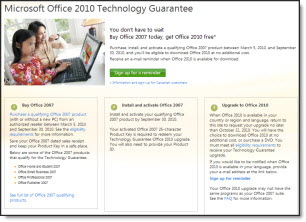
Office 2010 Technology Guarantee – is the following:
• Purchase Office 2007, or a new PC with Office 2007, and activate it between March 5, 2010 and September 30, 2010.
• Have, or create a Windows Live ID.
• Redeem your Tech Guarantee before October 31, 2010.
• The Office 2010 Technology Guarantee will be fulfilled online, via download, at no additional cost.
– Troy @ TLC
This is another option for adding a map to a presentation. Reviewing the PowerPointMaps.com website virtually every country/region is represented.
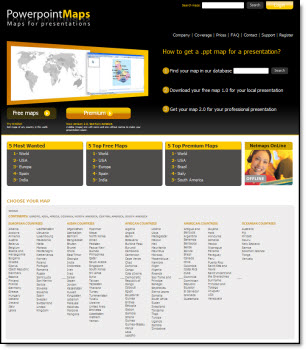
The site offers 2 types of downloads; free and premium. To download a free version you need to register first. I downloaded a few free maps to review the quality. Unfortunately the free version is unusable as it is a flat .jpg image with the website name watermarked across the middle. Here is one of my free map download of the United States, which has an ad for the premium version with a .jpg of the map (I added the red outline to highlight the .jpg)
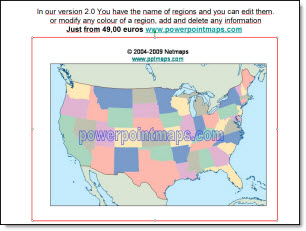
The premium maps are vector based with each state/region as separate elements which is very usable. Each premium map is 49euros (approx. $66 U.S.) and is definitely a premium price. You can search for “map” to find reviews of other options.
– Troy @ TLC
In addition the the PowerPoint templates talked about in the previous post, templateswise.com also has a selection of professional and free music tracks.
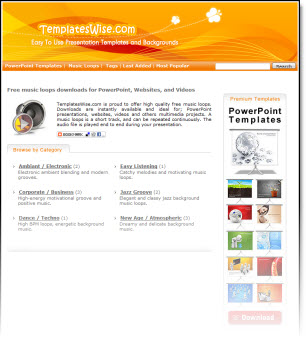
There are 12 20-50 second music tracks that seamlessly loop. All files are rendered as .mp3’s – so they will not embed in PPT 2003 (only .wav format does), but will with PPT 2007.
– Troy @ TLC
Templateswise.com has a variety PowerPoint templates that are all easily previewed and free.
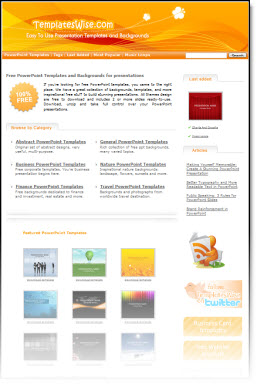
The template designs I viewed are professional and fresh designs. Each has a variety of slide background options. My sample has 4 background options.
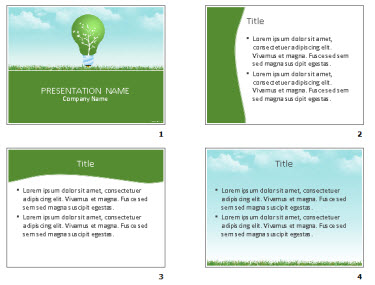
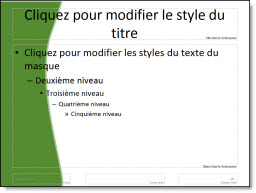
But the templates are not true templates. There is a big difference between a nice slide and a full featured template that has master slide formatting, custom color scheme, and more. The files downloaded do not have any master slide formatting…
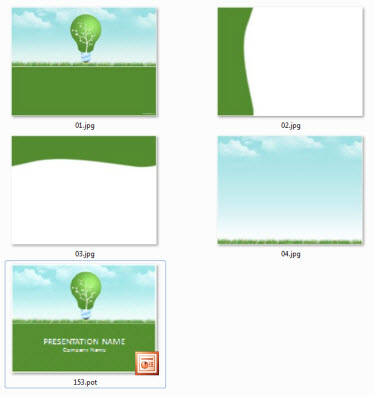
One nice feature is the download includes the .pot and large 1600x1200px .jpg’s of each background.
Also, the templates I downloaded are PowerPoint 2003 .pot files.
– Troy @ TLC
One of ThePowerPointBlog viewers sent me a link to this story.

My daughter is in 4th grade and has used PowerPoint for several school assignments. Here students in Iowa needed to a read a book and write a book report. All standard school stuff. But their book report had to be created as a PowerPoint presentation!
Read the full story here.
– Troy @ TLC
PowerPoint is a ubiquitous office application and I think you know you’ve arrived when cartoon character Dilbert references it. This one is worth checking out!
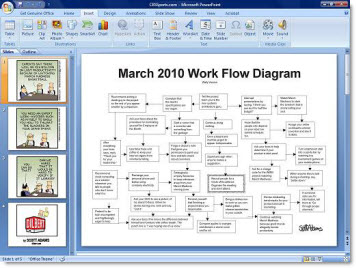
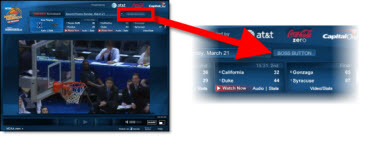
This goes beyond a cartoon and is actually a full screen image of a ‘dilbert’ PowerPoint presentation designed to hide your March Madness (basketball) viewing. It is activated with the “Boss Button” on the NCAA.com video player.
– Troy @ TLC