
Happy New Year!! Let’s Talk About Stylizing Text in PowerPoint
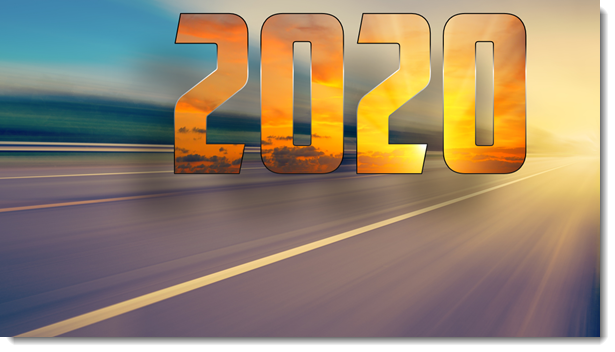
Today is the first day of the new year, new decade, and new presentations! This month I am focusing on a dozen posts that have stylized text – all with native PowerPoint effects. For day 1 of 2020, I am turning a plain 2020 text into a stylized layout that visually shows the bright future ahead of us this year – and keeps the text editable!
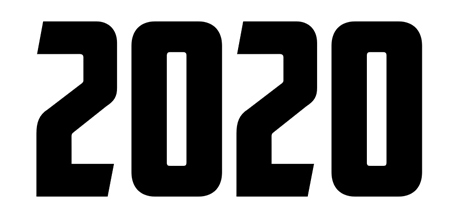
Here is the base text; black text on a white background, but a fun font “American Capitan”.
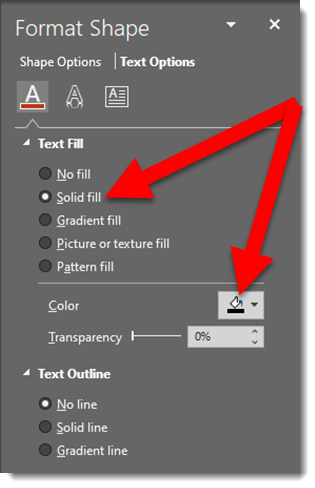
This is the text fill default; solid fill and black (or whatever the template has as the Dark 1 color)
Any photo can be used to fill the text. I have this inspirational photo of a sunrise to use

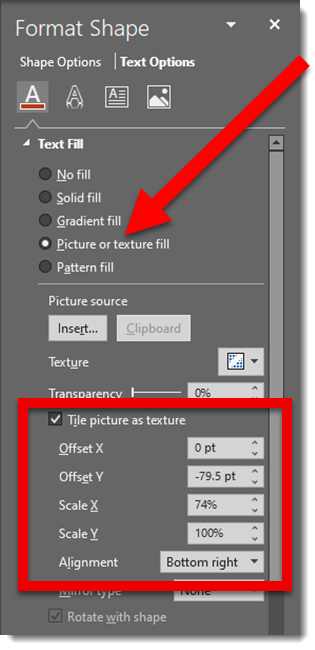
Select the text box, go to FORMAT SHAPE > TEXT OPTIONS > select PICTURE OR TEXTURE FILL > navigate to the sunrise photo and select it

The photo is not displaying the image as I want. The OFFSET and SCALE options move and size the image within the text
Now the “2020” image fill shows the bottom portion of the image and the sun itself positioned at the tip of the number 2

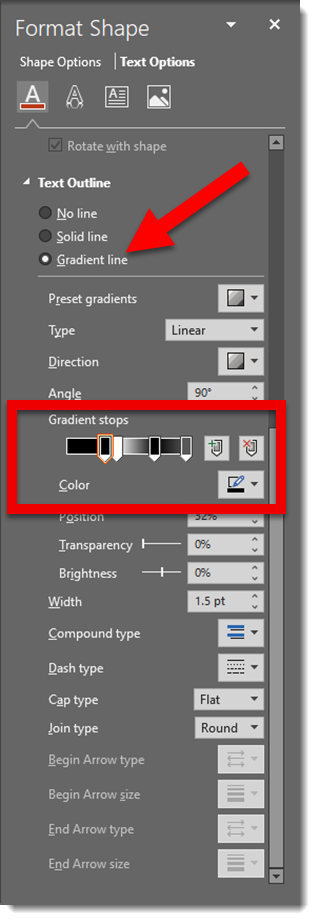
Next is a stylized gradient outline

The final formatting is adding another image as the slide background and positioning the editable “2020” and applying a drop shadow
Troy @ TLC
TLC Creative’s 2019 Top 10 – #1
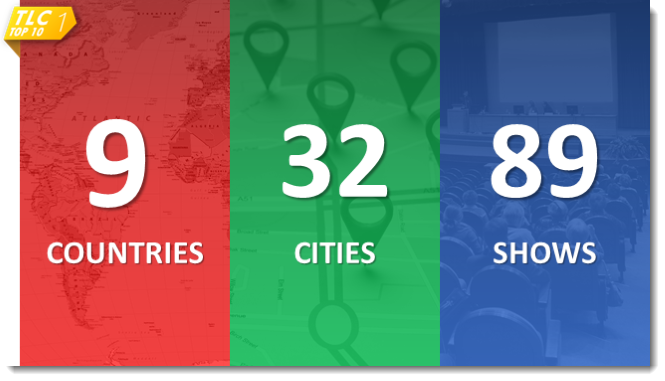
#1 on our 2019 Top 10 list is number of fantastic travel design projects TLC Creative Services completed in the past 12 months!
TLC Creative’s 2019 Top 10 – #2
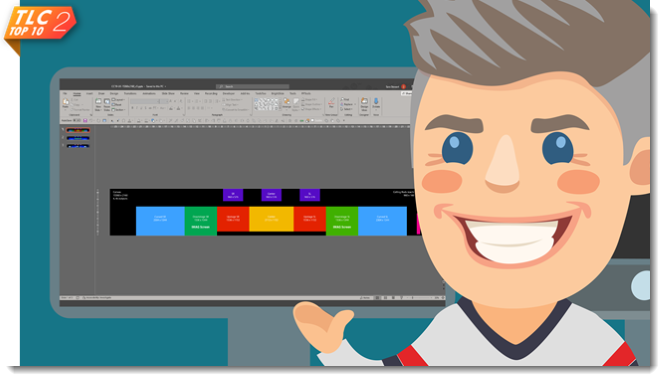
TLC Creative has lots of “ultrawide” presentation projects where we have the opportunity to work with presentation setup and design/animation beyond the typical 16×9. 2019 was a benchmark in “going big” – that is in pixels. We developed the master template layout for a 15,360px wide x 2,160px tall canvas! That is four 4K outputs that placed content on 13 different LED screens, all running from a single computer (that is a powerful computer)!
TLC Creative’s 2019 Top 10 – #3
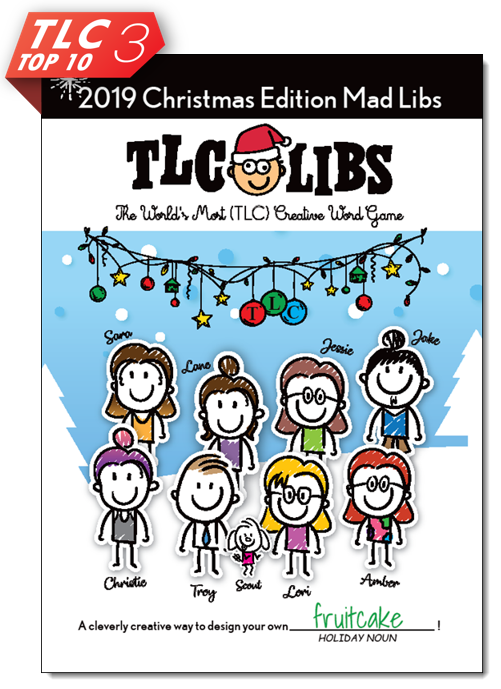
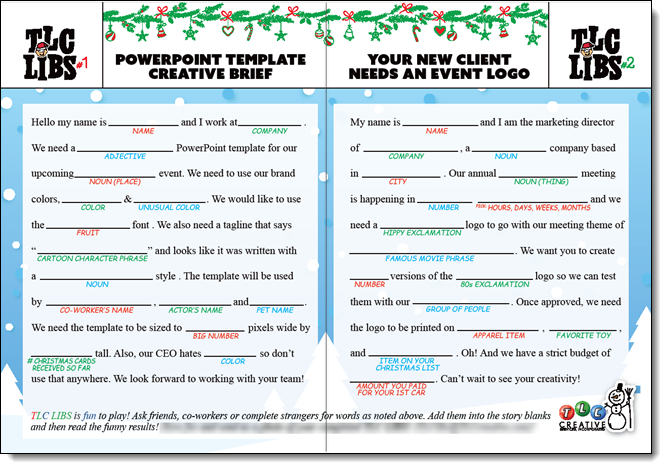
Our design studio #3 on our Top 10 list is the fun and creativity we get to invest in creating our Christmas card! This year was a new take on the MadLibs we grew up with – this time with a PowerPoint project twist. If you were on our Christmas card list, hopefully you had some fun with the interactive fill-in-blank stories with co-workers!
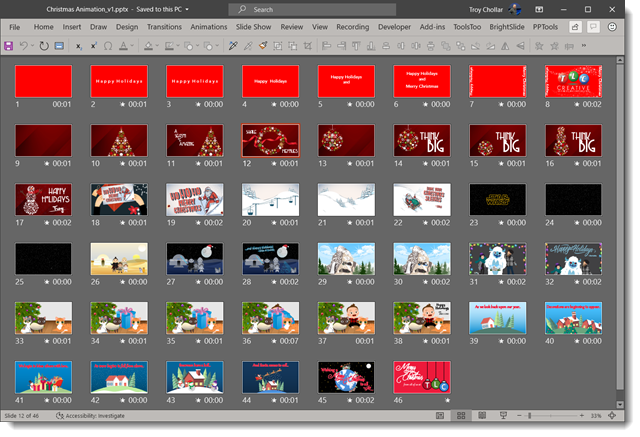
The 2019 TLC Design Team Christmas Animation
Merry Christmas from the entire design team at TLC Creative Services! Everyone created their own holiday animation – all layouts and motion was done in PowerPoint. We composited everyone’s slides into a single master presentation and exported to video. Enjoy – and Merry Christmas!
TLC Creative’s 2019 Top 10 – #4
[KGVID]https://thepowerpointblog.com/wp-content/uploads/2019/12/unnamed-file-3.mp4[/KGVID]
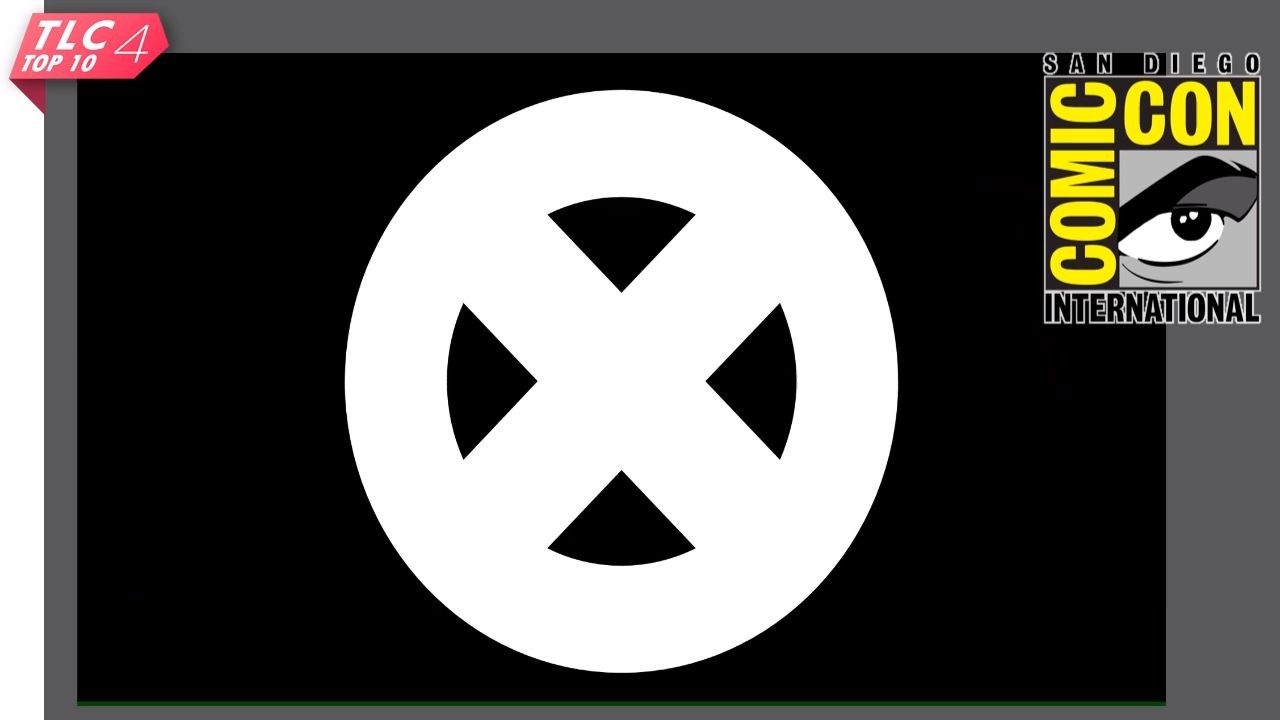
2019 was the year TLC Creative Services made it to Comic Con San Diego! Okay, “we” were not there, but a dynamic reveal video and presentation we created was 🙂
TLC Creative’s 2019 Top 10 – #5
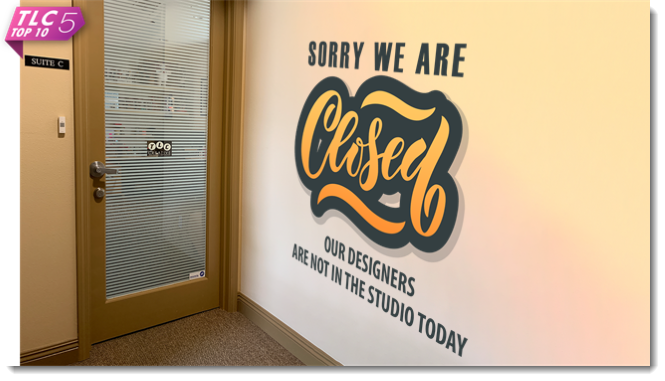
2019 was busy – all in great ways. But it was the first year we literally closed the studio a few days because we had no one on the design team available – everyone was out onsite with clients!