I work with PowerPoint on a daily basis and I am very honored to be a Microsoft PowerPoint MVP. We have a talented team of presentation designers at TLC Creative Services and ThePowerPointBlog is our area to highlight PowerPoint tips, tricks, examples and tutorials. Enjoy! Troy Chollar
PowerPoint 2010 – #1 PERFORMANCE!
My top request, hope, begging was for slideshow performance. Bobby at Microsoft reassured me for more than a year all my animations would run great – and they do!

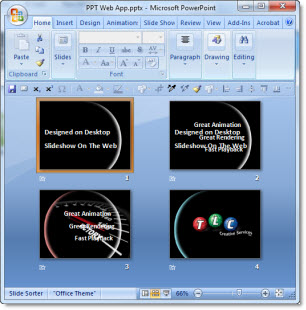
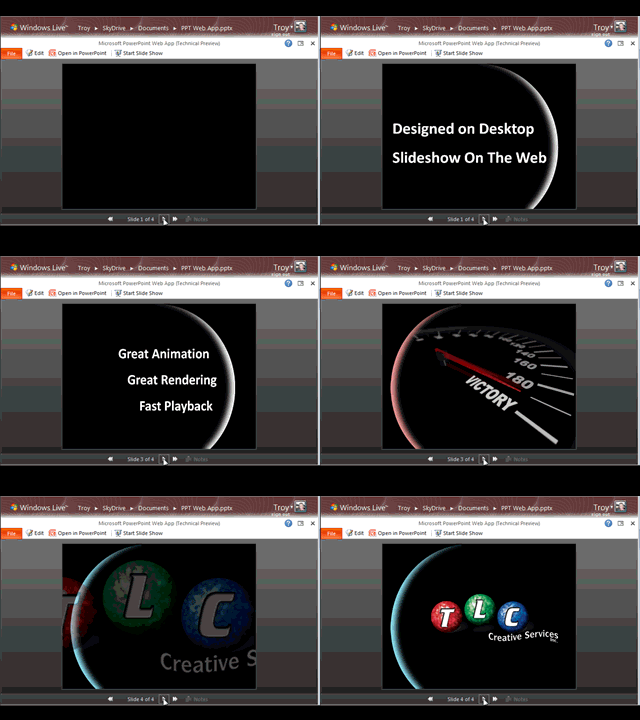
(This is a sample presentation I created that uses very fast transitions, complex animations and a non-stop pace for 5 minutes. Runs perfect every time! Blog sample is a low res .gif movie)
So my #1 feature of PowerPoint 2010 is a bit intangible, but easily seen and that is the slideshow performance is great. Transitions occur when you click the advance button. Animations run instantly and without stuttering. And all of this is while running the pre-beta version on a very small laptop with a 64MB graphics card, 1.5 GB of ram and a 1.8 Ghz Pentium 4 CPU.
– Troy @ TLC