The PowerPoint® Blog

I work with PowerPoint on a daily basis and I am very honored to be a Microsoft PowerPoint MVP. We have a talented team of presentation designers at TLC Creative Services and ThePowerPointBlog is our area to highlight PowerPoint tips, tricks, examples and tutorials. Enjoy! Troy Chollar

The Presentation Podcast Episode #45 Released Today!

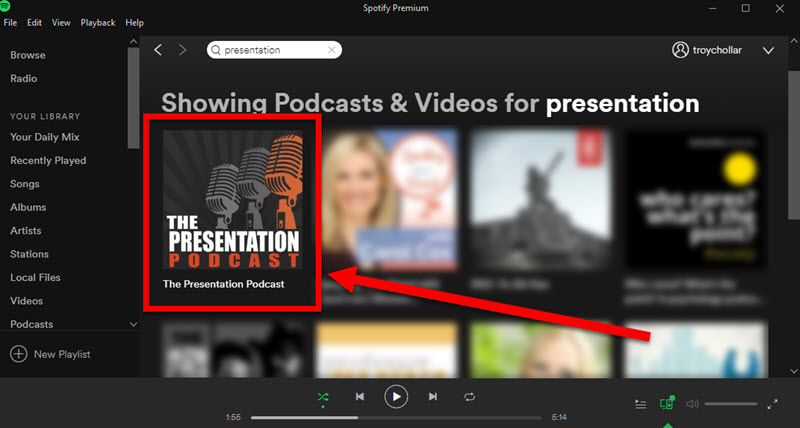
 A new episode of The Presentation Podcast with Troy, Nolan, and Sandy is available today! Check out the latest episode, #45 – Things to Check Before Presenting.
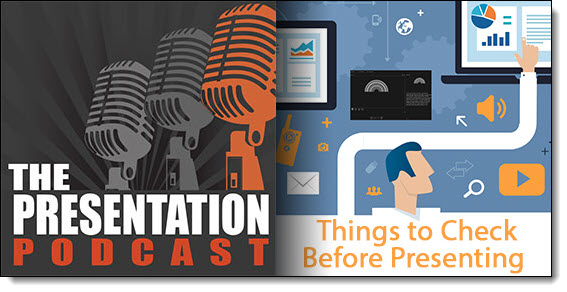
 

Sandy, Nolan and Troy are presenters themselves, they work with presenters every week, and have experienced many presentation technical issues, this podcast offers a compilation of things every presenter should check before presenting.
By |2017-12-31T09:03:16-08:00January 2nd, 2018|Resource/Misc|

Bing and Inline Speed Test!

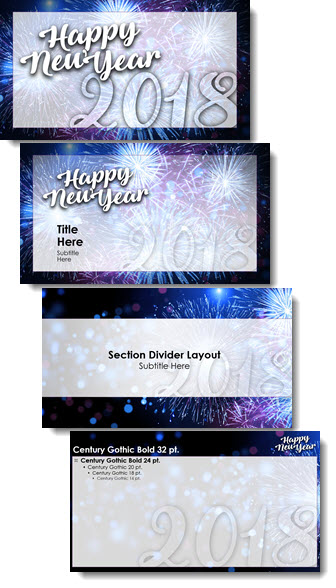
Happy New Year! Let’s start 2018 with a hack to easily see your internet connection speed.

This is a Bing search engine trick, that does not work in Google or any other search engine (as of today). One of the first things I do when at a hotel or working backstage is to run a speed test to know what my internet connection is (which then lets me estimate how long client downloads will take, how many people I am good to share internet access with, etc.). Speedtest.net, powered by Ookla is the most accurate and reliable speed test I have found. I have their app on my mobile devices and their site bookmarked in my browser. 

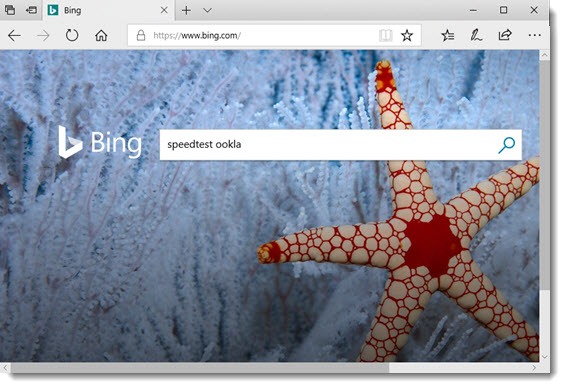
But things are even easier, if using the Bing search engine (does not matter what browser app; Edge, Chrome, Firefox – desktop or mobile versions). Open a Bing search page:

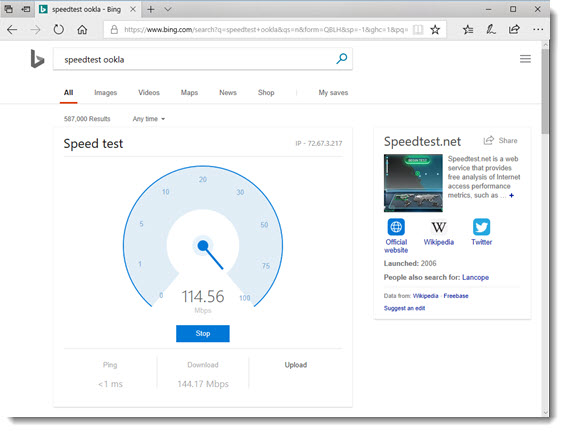
In the search field type “Speedtest ookla” and an inline app is the top search result! Just click start and get current internet connection speed results directly in the search results page.

Troy @ TLC

By |2017-12-15T14:23:59-08:00January 1st, 2018|Resource/Misc, The PowerPoint® Blog|

Christmas Animation Using 3D Model

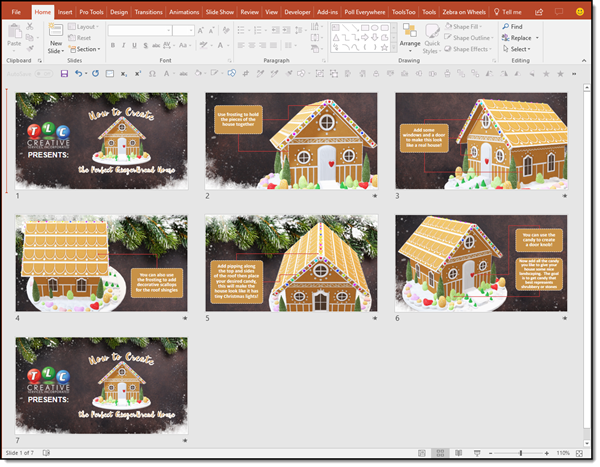
Just having some holiday fun here at TLC Creative. Christie, on the TLC Creative design team, created this fun Christmas Animation using 3D (the Gingerbread house), holiday background image and PowerPoint text & graphics.

[KGVID]https://thepowerpointblog.com/wp-content/uploads/2017/12/unnamed-file-2.mp4[/KGVID]

Using only Morph transitions for the motion, this animation was accomplished in just 7 slides.

Christmas Animation Using 3D

Throughout January, The PowerPoint Blog is showcasing all 3D model use in PowerPoint.

Troy @ TLC

By |2019-10-28T15:27:37-07:00December 29th, 2017|Portfolio, PowerPoint|

The Presentation Podcast Episode #44 Released Today!

 A new episode of The Presentation Podcast with Troy, Nolan, and Sandy is available today! Check out the latest episode, #44 – Year-End Thoughts.

The 24th episode of The Presentation Podcast is the final conversation of 2017! Troy, Nolan and Sandy end the year with a great conversation about the big things that influenced their design, studios, and presentation software use this past year.

By |2017-12-14T09:55:15-08:00December 19th, 2017|Resource/Misc|

Adobe Experts Productivity Tips

Lori and I  were featured in a great PowerPoint Productivity Tips list (Lori tip #16, Troy tip #18) a few months ago, which is something definitely worth reading (see blog post with link to full article here). Recently, Paul at Acuity Training in the UK sent me a link to an Adobe Experts Productivity Tips article they posted, and it has some great power user tips and hacks, definitely worth bookmarking. Full article here.

Adobe Experts Productivity Tips

Troy @ TLC 

By |2017-12-14T12:37:14-08:00December 14th, 2017|Resource/Misc, Software/Add-Ins|

Want A Perfect PowerPoint Circle, Square, Triangle?

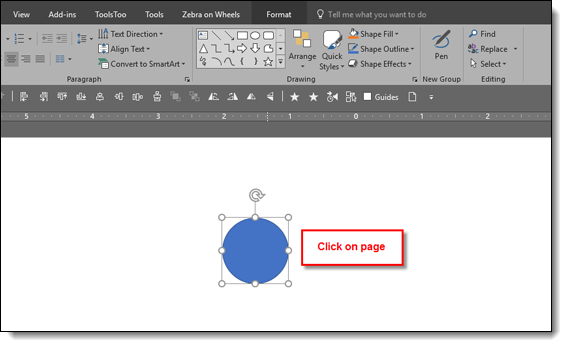
Perfect shape 1

Sometimes just knowing a hack can save a lot of time. So this is one of those tips included in our TLC Creative PowerPoint training programs where someone always exclaims “Really!!” The tip is how to immediately add a perfect shape (same on all sides), ie. a circle, square or triangle. The solution is so simple, there is nothing complex to forget. Ready,

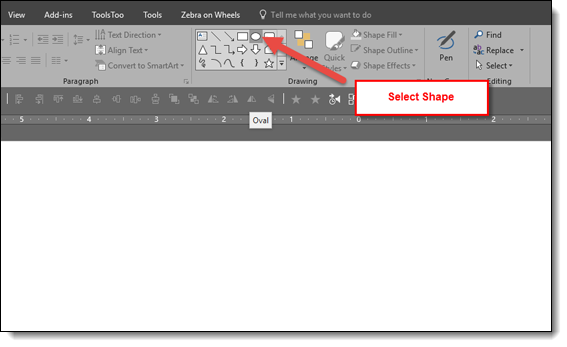
Click the desired shape in the shapes gallery

Perfect shape 2

Click on the slide. Note: just a simple click, no click and drag, no modifier keys, nothing, just click on the slide.

Perfect shape 3

Done! A perfect, equal sided, square, circle, triangle, etc. is added to the slide


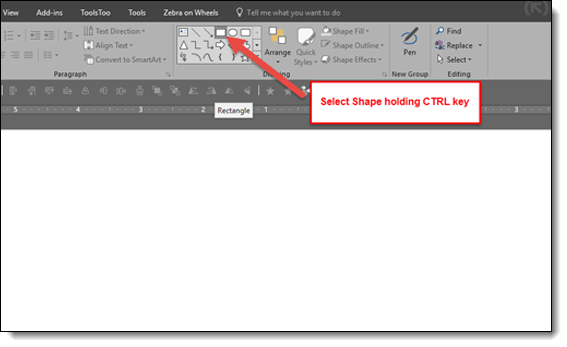
And the shortcut to the shortcut!

Hold down the CTRL key and click on desired shape in the shapes gallery

Perfect shape 5

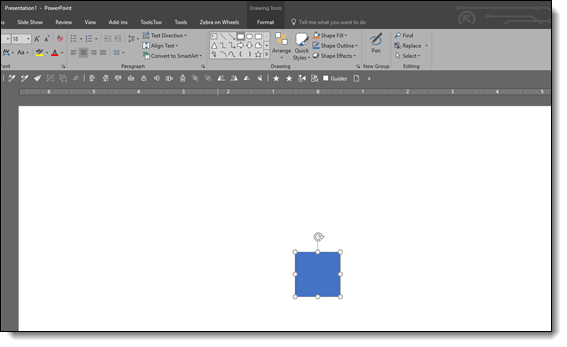
Perfect symmetrical shape is automatically added to the slide!

Perfect shape 6

Troy @ TLC

By |2017-10-20T07:34:14-07:00December 12th, 2017|PowerPoint, Resource/Misc|
Go to Top