Resource/Misc

Microsoft PowerToys and PowerPoint

This is a free set of Windows OS utilities that is put out by Microsoft. I have had these installed for a while and use many of the features and I have a mini-series on some of these great features that work with presenting.
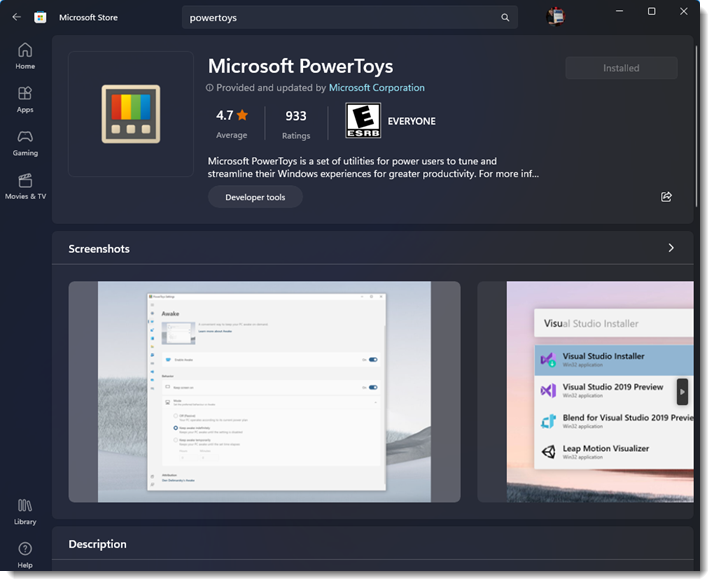
These are FREE for Windows 10 and 11 OS computers. Search “PowerToys” – 1 word – in the Microsoft App Store to install.
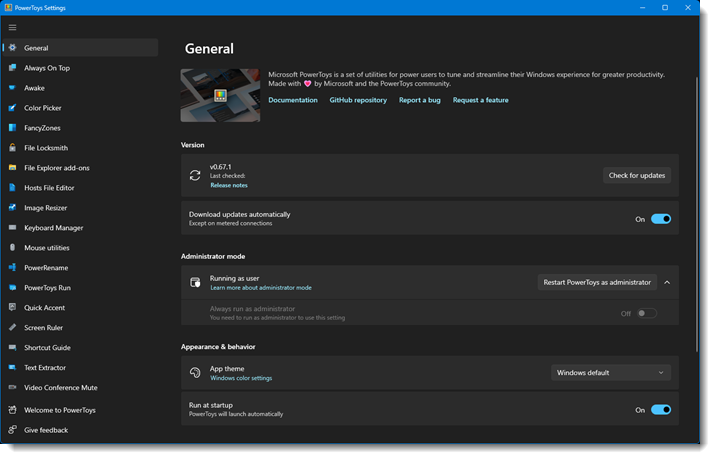
Once installed, all of the tools and features are available. The only parameter is PowerToys needs to be running (on my computers I have MS PowerToys automatically run when the computer starts).

– Troy @ TLC
By |2023-04-15T13:15:13-07:00April 10th, 2023|Resource/Misc|

5 PowerPoint Accessibility Checker Errors

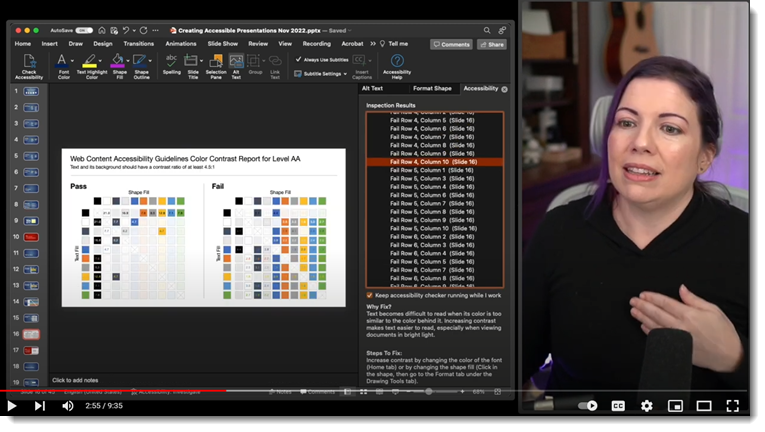
This is fantastic information! Bookmark it, because at some point, we will all be asked to make a presentation that meets accessibility needs. Stephy put this great video on YouTube, and I am listing it here to let everyone know of it, and to keep it as a reference for our team to find it in the future!

Watch the video here: https://www.youtube.com/watch?v=p46jZ0q8blI

Troy @ TLC

By |2023-04-08T12:39:18-07:00April 6th, 2023|PowerPoint, Resource/Misc|

Troy & Lori on The Presentation Podcast!

This episode is Troy and Lori Chollar. Microsoft Teams enables all PowerPoint files to be a collaboration file with dozens of people reviewing and editing the same file, at the same time. Troy and Lori of TLC Creative Services talk about how they have integrated Teams into the company presentation design workflow, how Teams files are key to their slide review process, and how Teams files are often a part of the backend setup for live meetings.

Listen here.

By |2023-03-20T23:25:46-07:00March 21st, 2023|PowerPoint, Resource/Misc|

Bulletless Design – An Internal Project

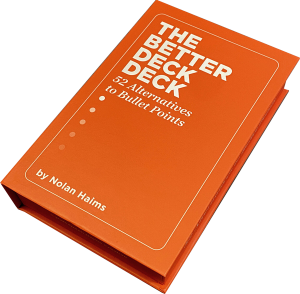
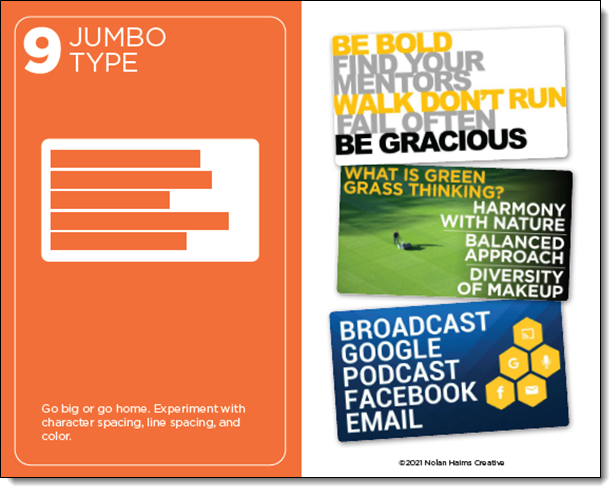
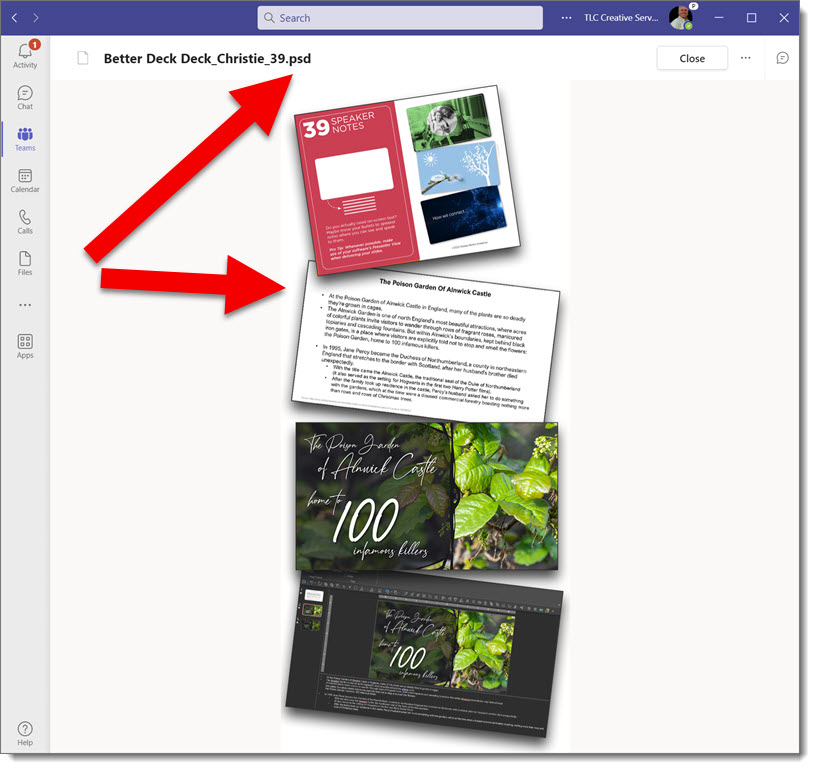
Nolan Haims created “The Better Deck Deck”, which is a great example of modern presentation communication. The product tagline is “52 Alternatives to Bullet Points” which is an obvious clue that The Better Deck Deck has 52 cards, each with a design example of ways to visually communicate.

As an internal design project among the TLC Creative Services team, I created a fun (at least I thought it was fun) project for everyone to create a series of slides using some of The Better Deck Deck’s slide layout options. Before sharing some of the (amazing) slide designs, let me share the design team instructions:

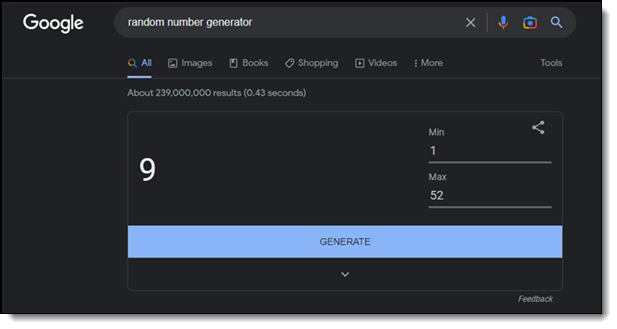
  1. Google “random number generator”. Set the max at 52. Generate.
  2. That is your first Better Deck Deck style to use.
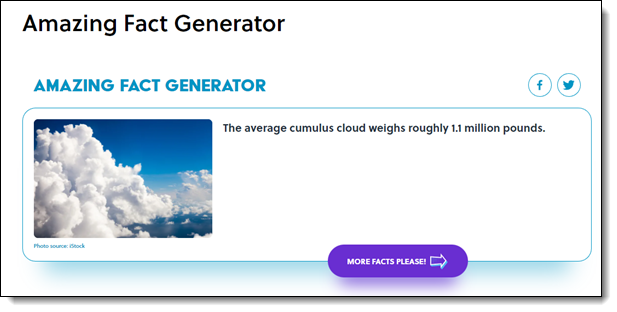
  3. Go to https://www.mentalfloss.com/amazingfactgenerator (okay to refresh until there is a stat you like)
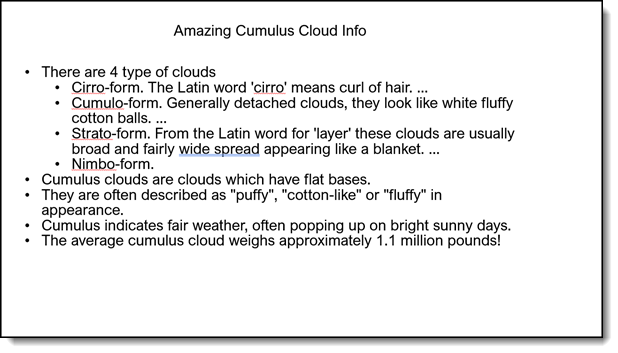
  4. Create a boring/standard bullet point list slide based on the amazing fact.
  5. Create a bulletless design slide, using The Better Deck Deck card style that was randomly assigned to you in step #1.

Troy @ TLC

By |2023-02-24T22:35:56-08:00March 2nd, 2023|PowerPoint, Resource/Misc|

The Presentation Podcast Episode Releases Today!

There is a new PowerPoint centric book, and this conversation is Troy, Sandy and Nolan talking with Chantal Bosse about her just released book, ” Microsoft PowerPoint Best Practices, Tips, and Techniques”. Listen in on a great conversation and book that everyone who aspires to use PowerPoint’s tools and features will want to add to their library. Listen here.

By |2023-02-18T16:52:51-08:00February 21st, 2023|PowerPoint, Resource/Misc|

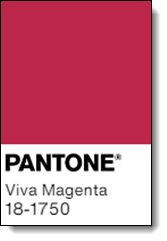
Pantone 2023 Color of the Year – Viva Magenta

For 2023, Pantone’s Color of the Year is #18-1750 – Viva Magenta.

I like it. It is…

While reading about the color of the year, I learned something I have never read about before – how Pantone picks the color of the year. Overall, as a graphic designer, this was a great read. The key takeaways (for me):

  • Pantone Color of the Year started in 1999.
  • Each year Pantone has a global team of color experts that are not all Pantone employees.
  • Colors are recommendations based on anything and everything that influences color; entertainment, travel, lifestyles, etc. and a study of trends, but not a timely fad (note: the color may not be a fad, but the tagline, “welcome to the Magentaverse”, definitely is!).
  • The process is generally identify, and agree, on a color. Then continue the process to determine the shade of that color.
  • And it is a global design thing, so I like it 😊

Troy @ TLC

By |2023-01-02T22:32:14-08:00January 10th, 2023|Resource/Misc|
Go to Top