
BrightSlide – A PowerPoint Add-in You Want!
If you use PowerPoint on Windows and do not have this add-in on your PowerPoint toolbar, you are missing out on one of the best productivity options to be released in 2019! The BrightSlide add-in has become a must have on all of our computers.

BrightSlide is a PowerPoint add-in with a suite of amazing (truly amazing!) productivity tools. It is graciously made available, for FREE, by presentation design company, BrightCarbon.
Note: If you use the YouTools add-ins, or have read our review of them here or heard us mention them on ThePresentationPodcast, you are familiar with BrightSlide – but may not know it. YouTools basically expanded and became the BrightSlide add-in.
Get all the details and download it here.
Troy @ TLC
The Presentation Podcast – A Geeky PowerPoint Conversation Mostly About Morph
A new episode of The Presentation Podcast is available today! Join Troy, Lori, Simon, Richard, Ingrid and Tom for an international group of presentation design experts gathered together chatting about PowerPoint, projects and the use of Morph. Episode 90, “A Geeky PowerPoint Conversation Mostly About Morph”
Listen in on Apple Podcasts, Stitcher, Google Play, Spotify and Soundcloud – just search for “The Presentation Podcast” – or go direct to the episode page here: https://thepresentationpodcast.com/podcast/90
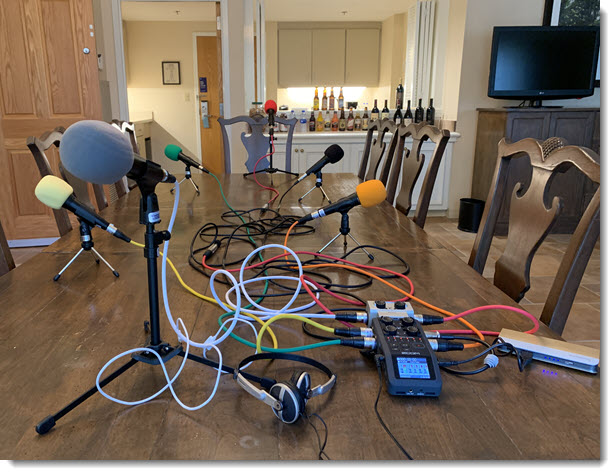
Podcast Portable Studio Setup
Podcast recordings are always fun when it is a group gathered together (most episodes are recorded with everyone in remote locations). I have assembled a pretty robust portable studio setup for the live recordings, including 6 channel discreet recording, separate mics, each with color coded cabling and foam heads – the open bar is an optional element 🙂
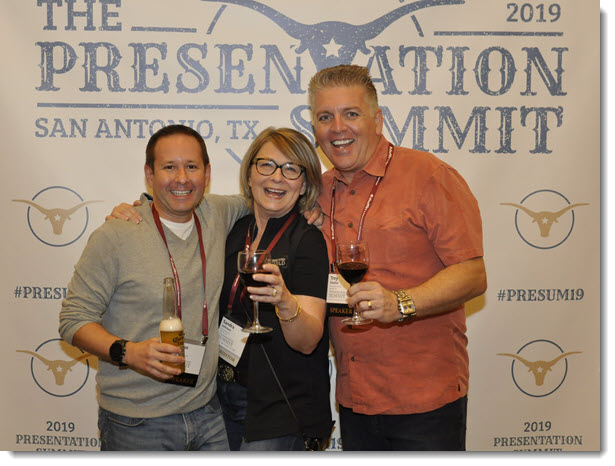
A Final Hello From San Antonio
Going through photos I found this nice one of Nolan Haims, Sandra Johnson, and myself (Troy Chollar) at the 2019 Presentation Summit from our week together in San Antonio, Texas last month.
The PowerPoint Podcast – Just Talking PowerPoint
A new episode of The Presentation Podcast is available today! Join Nolan, Sandy and Troy for a conversation just talking about what’s happening in the world of PowerPoint and presentation.
Listen in on Apple Podcasts, Stitcher, Google Play, Spotify and Soundcloud – just search for “The Presentation Podcast” – or go direct to the episode page here: https://thepresentationpodcast.com/podcast/89
Halloween PowerPoint Template – FREE
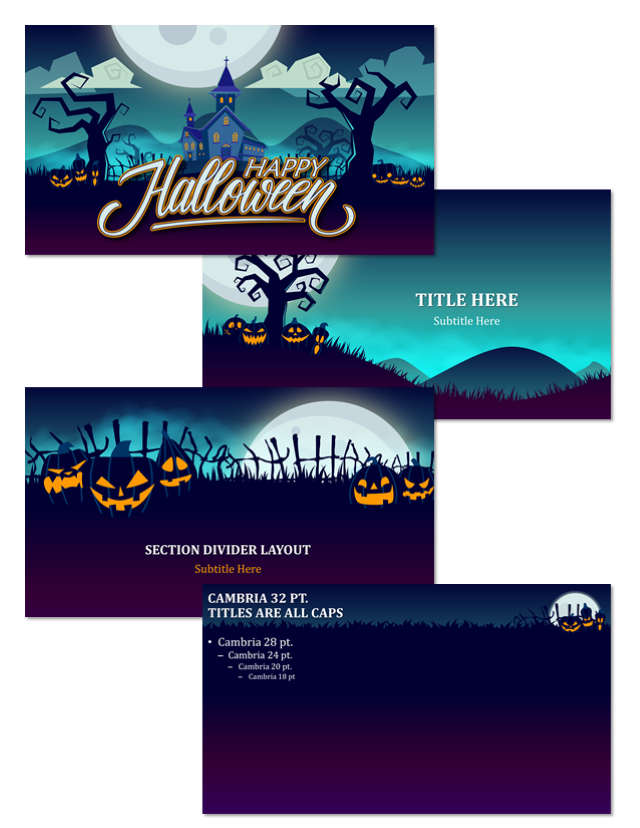
Enjoy this FREE full featured PowerPoint template that is Halloween themed! Thanks to Jake, TLC Creative staff designer for the fun holiday creativity. Download here TLC Creative Halloween Template 2019 (PowerPoint, 16×9, 3.8 MB)
Compare Microsoft Office Features List
Pulling this from a recent conversation. Microsoft has an up-to-date feature comparison list of what works, or is available in several versions of Microsoft Office. It is a page worth bookmarking.
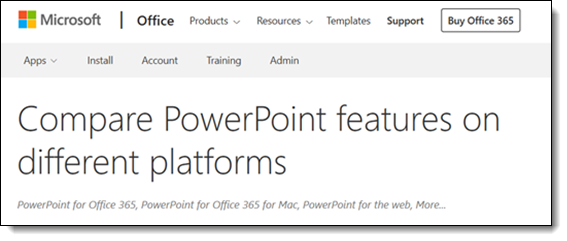
First question is, what versions of Office are compared? Well, “versions” is not the best word, it is more about platforms – and this list compares most of them. All is based on the most recent version of Office 365 (so legacy versions and Office 2019 are not included).

The next question is, is it an up to date list? Many thanks to Ben Schorr at Microsoft for having a date stamp added to this page after I noted that this information was great, but users had no way of knowing if it was recent or 3 year old information.

Most important, what features are listed? Lots; audio, text, collaboration, design and Layout, keyboard, object, photo, print, slide show, video and more.
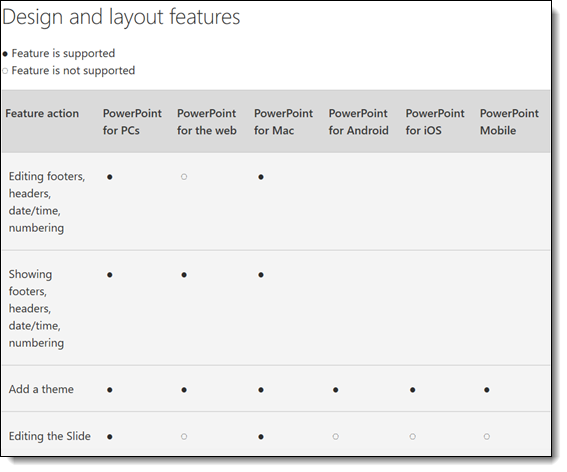
Check out this info page here.
Troy @ TLC