
ToolsToo Remove Masters Part 2: PowerPoint QAT
Sometimes, reducing a formatting process from 6+ clicks to 3 clicks is just not enough. In this case, my previous blog post showcased the ToolsToo Remove Unused Masters feature, which reduces the 6+ click process of opening the PowerPoint presentation master, finding an unused slide master, deleting it, and closing the master slide view.
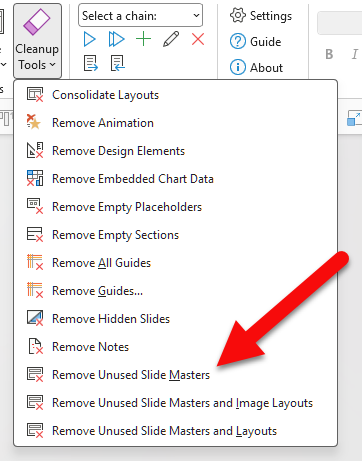
But I do this process often enough that I have moved it to my QAT, and it’s now a 2-click process!
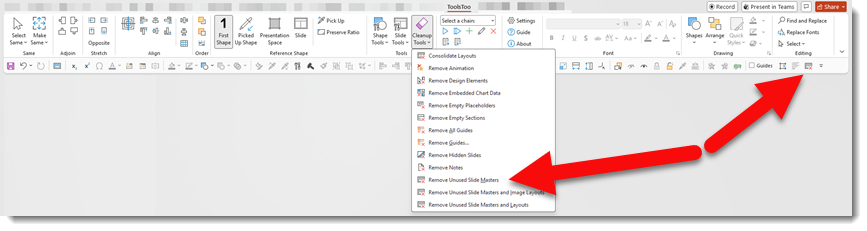
All you have to do is click the QAT button, then click “Yes”, and you’re done!
Troy @ TLC Creative