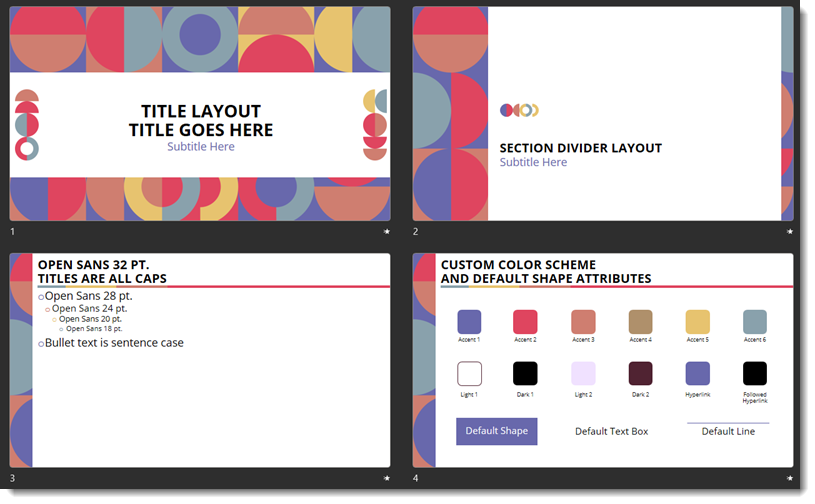
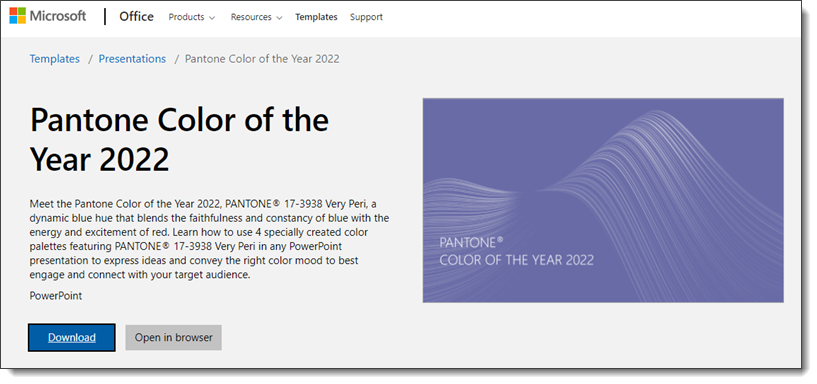
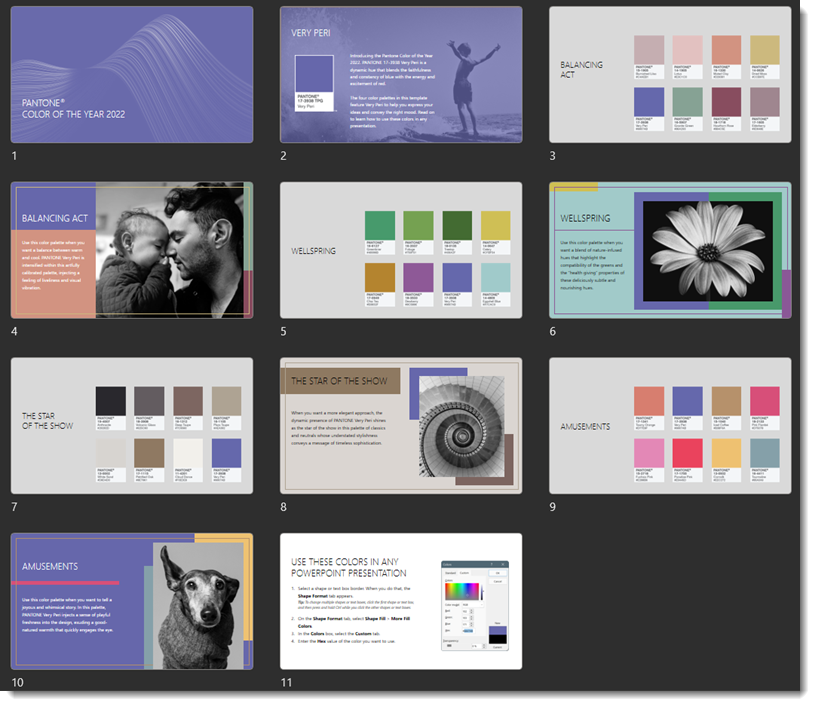
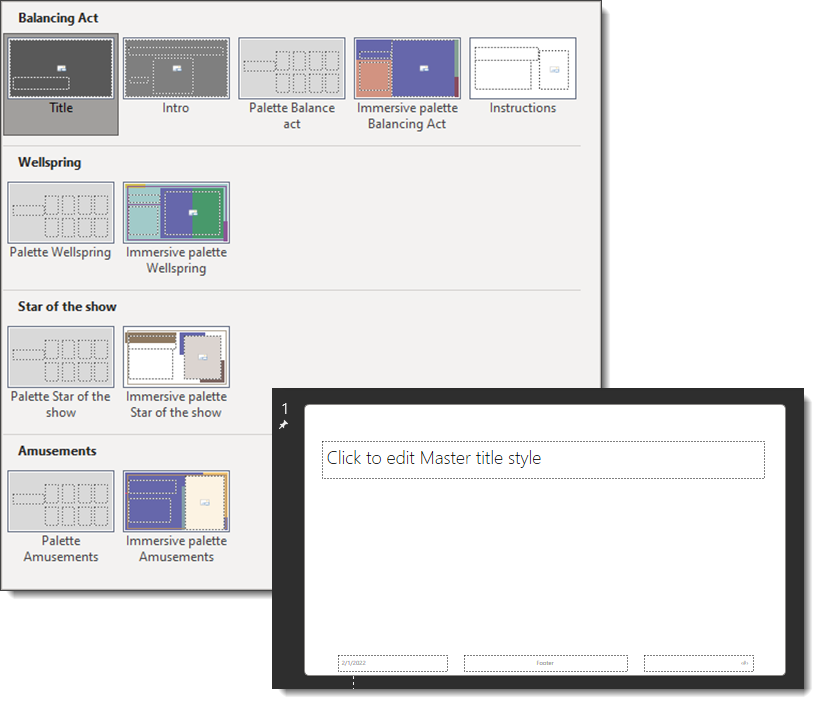
Duotone is the process of converting an image to two colors. Like a greyscale photo, which is two colors, black and white, but with colors. For this example, I unintentionally cheated by starting with a greyscale image vs a full color image. Working with a real PowerPoint template, such as the Very Peri Wellspring template we released earlier this month, creating duotone images is amazingly easy in PowerPoint – and can be a great styling option.
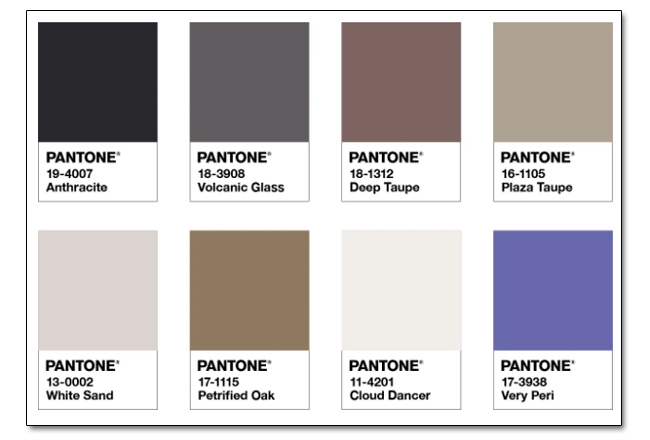
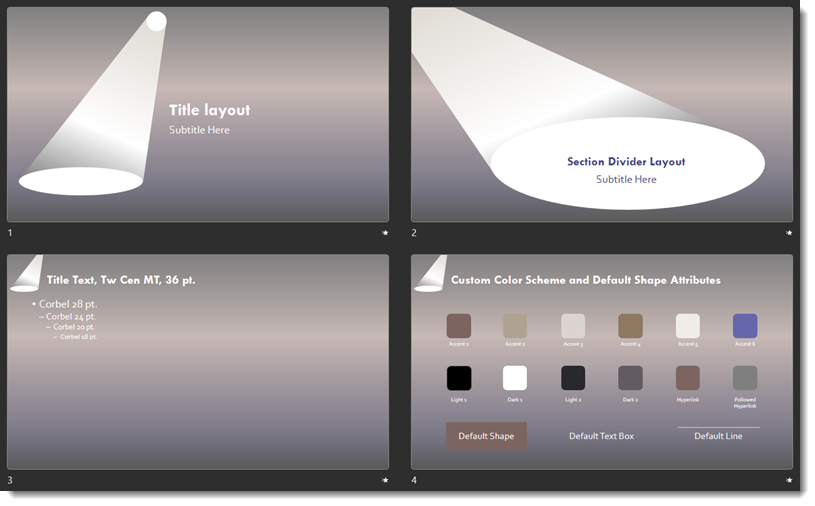
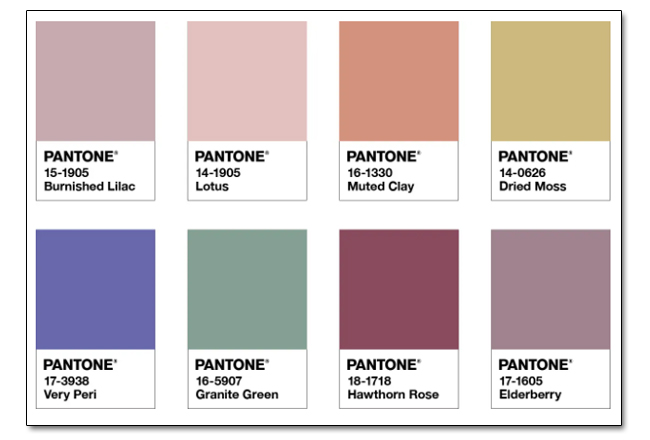
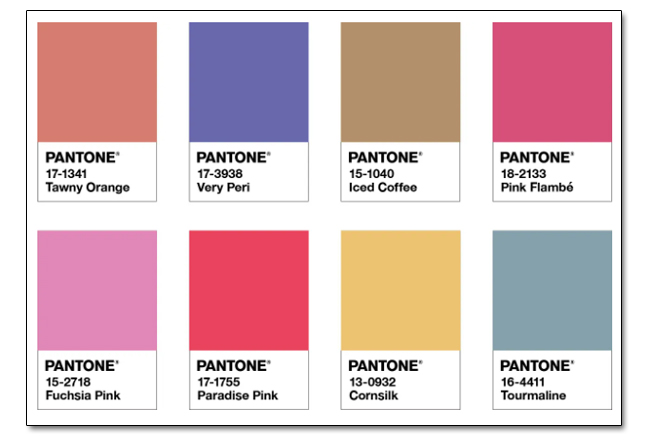
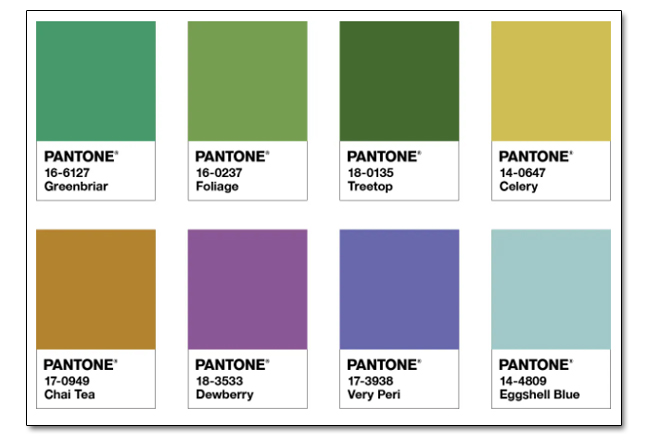
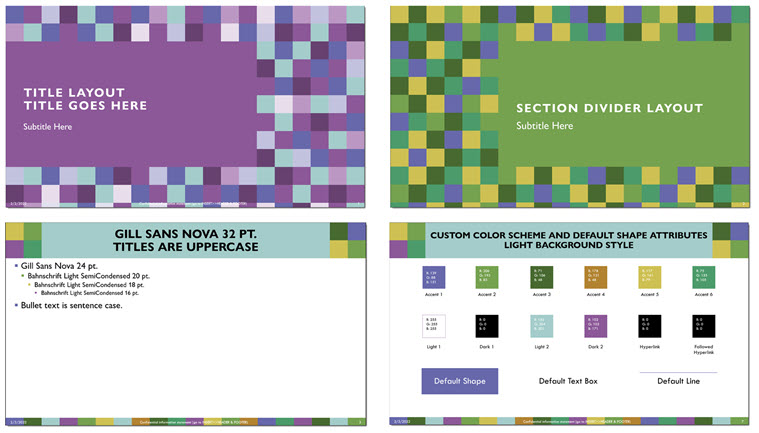
The Wellspring template was based on the Pantone Very Peri inspired color scheme, that Pantone named “Wellspring”. The TLC Creative design team developed a template that highlighted the Pantone color scheme – and preset the PowerPoint colors to use the Pantone color scheme colors.
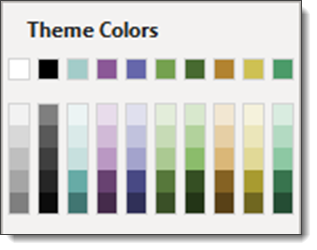
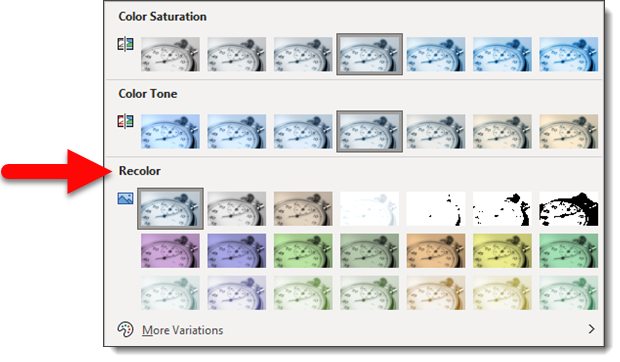
Any image in the deck can be selected. Go to PICTURE FORMAT > ADJUST tab > COLOR drop down > RECOLOR. The template theme colors are available in the preset options. Any color can be assigned to the Recolor (aka duotone) with the MORE VARIATIONS option.
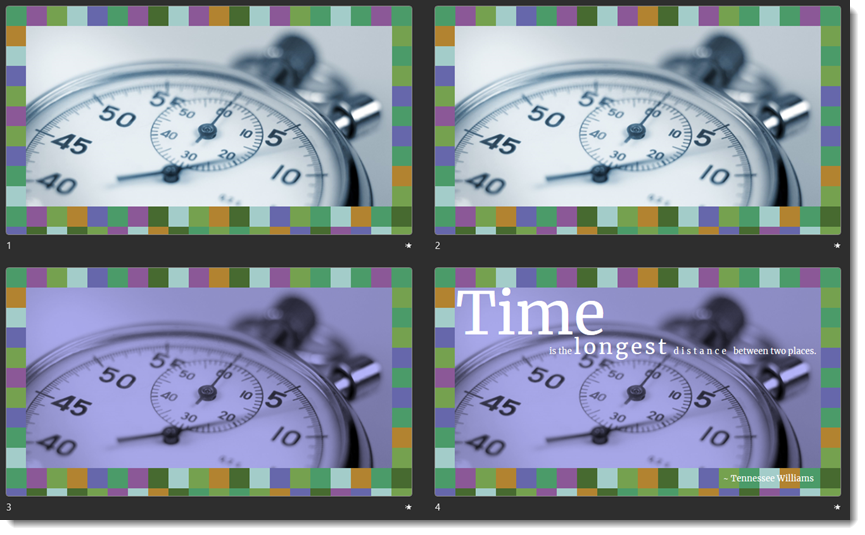
For this example, I opened the Very Peri Wellspring template TLC Creative developed. Searched the Microsoft image library and selected the stopwatch image. (1) The image was sized and cropped to fit the template Full Frame layout. (2) An inner shadow was applied to the image. (3) using the Recolor feature, I opted for the Very Peri purplish color. (4) Last was to find a “time” related quote and do some typesetting for the layout.
Download the slide set Here.
Troy @ TLC